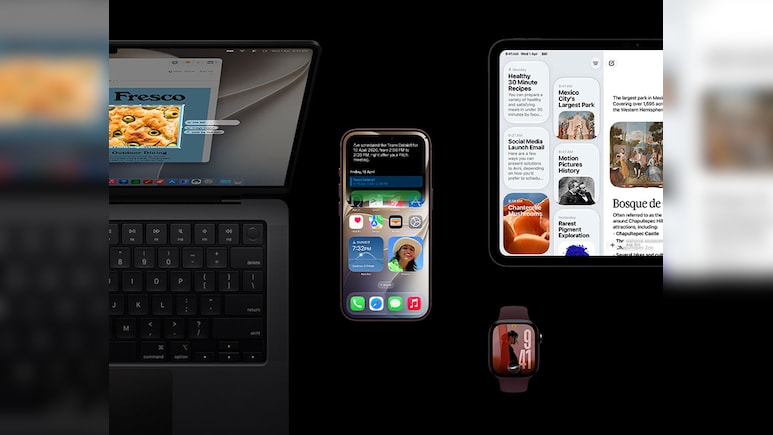
If you regularly postpone iPhone software updates by tapping the 'Later' option, you could be exposing your device to unnecessary security risks.
Software updates not only associated with new emojis, redesigned features and visual improvements, but Apple's device upgrades also play an important role in protecting personal information and maintaining device security.
Apple recommends updating the iPhone with the newly released because advanced software not only addresses security vulnerabilities but also resolve existing bugs and improve application compatibility. Delaying an update does not necessarily cause immediate problems, but continuing to use outdated software can leave known security weaknesses unaddressed.
Also Read | Layoffs Are Rising In Tech, But These Skills Are Helping People Unlock Better Pay
Outdated iPhones Could Become Targets for Cyberattacks
The Cybersecurity and Infrastructure Security Agency (CISA) warns that cybercriminals can exploit the outdated software to gain access to devices and compromise digital security. The agency recommends enabling automatic updates wherever possible to reduce exposure to known threats.
Users should also remain cautious when installing updates. Security upgrades should only be downloaded through the iPhone's official Settings menu or trusted app stores. Unexpected emails, text messages and pop-up notifications claiming to offer software updates could potentially lead to fraudulent websites or malicious downloads.
READ | iPhone 18, iPhone 18e, MacBook Neo 2: When Could Apple Launch These Devices?
How to Install the Latest iPhone Software Update
Updating an iPhone is relatively straightforward. Before beginning, users should back up important photographs, documents and other personal files to avoid potential data loss.
Apple recommends connecting the device to a power source and a stable Wi-Fi network. Next, open Settings, select General and tap Software Update to check for available releases. Follow the on-screen instructions to complete the installation.
If the device does not have sufficient storage, iOS may offer to temporarily remove certain applications and reinstall them after the update.
Enable Automatic Updates to Improve Security
Users can avoid repeatedly postponing updates by enabling automatic installations. Navigate to Settings, select General, open Software Update and tap Automatic Updates.
When enabled, an iPhone can download and install eligible updates overnight while connected to Wi-Fi and charging. Even automatic updates enabled will help to update the Software periodically.
READ | iPhone 18 Pro Or iPhone 17 Pro: Which Offers Bigger Discount In Black Friday Sale?
Essential Business Intelligence, Sharp Market Insights, Practical Personal Finance Advice, Daily Fuel, Gold and Silver Prices, Watch Business News Live and Latest Stories — On NDTV Profit.