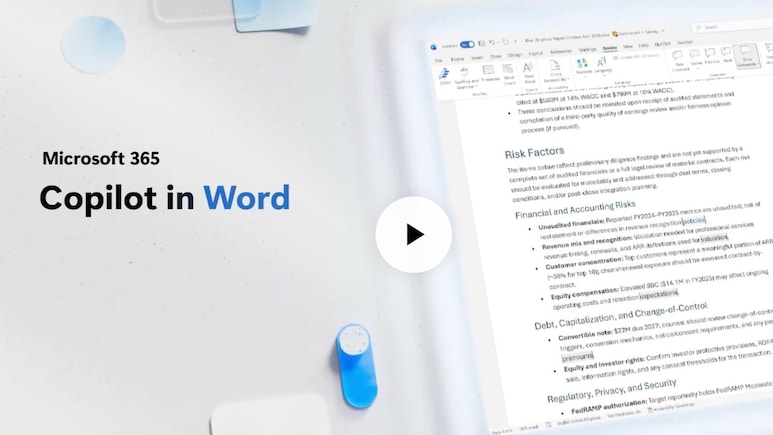
Microsoft CEO Satya Nadella has unveiled several new artificial intelligence-powered Copilot features for Microsoft Word designed to make document editing, collaboration, and review processes more efficient. Embedding intelligence into document workflows, the latest updates focus particularly on professionals who work with complex, critical documents. These include lengthy contracts and expansive policy papers, where accuracy and traceability are important. These capabilities build on Work IQ, Microsoft's intelligence layer that customises Copilot experiences to individual users and their workflows within Microsoft 365.
Track Changes In Copilot
One key feature allows users to activate Track Changes directly through Copilot with word-level precision. Changes appear visibly by default, making edits transparent and auditable. For example, through a simple prompt, a user can instruct Copilot to turn on Track Changes and improve an executive summary by clarifying vague words or expanding acronyms, without rewriting entire sentences.
Contextual Comments
Another improvement is contextual commenting. Copilot can now help users add, read, reply to, and organise comment threads to relevant text, maintaining full context. This makes it easier to flag specific items for further attention. For example, users can ask Copilot to highlight unclear text and insert comments requesting validation from finance or legal teams based on points raised in a recent review meeting.
Also Read | Layoffs Are Rising In Tech, But These Skills Are Helping People Unlock Better Pay
Table Of Contents And Dynamic Page Features
Users can ask Copilot to insert or update a table of contents using Word's built-in heading styles, keeping the structure accurate even as the document changes. It also supports dynamic page formatting features such as creating headers with the document title and date, adding page numbers to footers, and inserting and managing columns, margins, and other fields that update automatically.
Essential Business Intelligence, Sharp Market Insights, Practical Personal Finance Advice, Daily Fuel, Gold and Silver Prices and Latest Stories — On NDTV Profit.