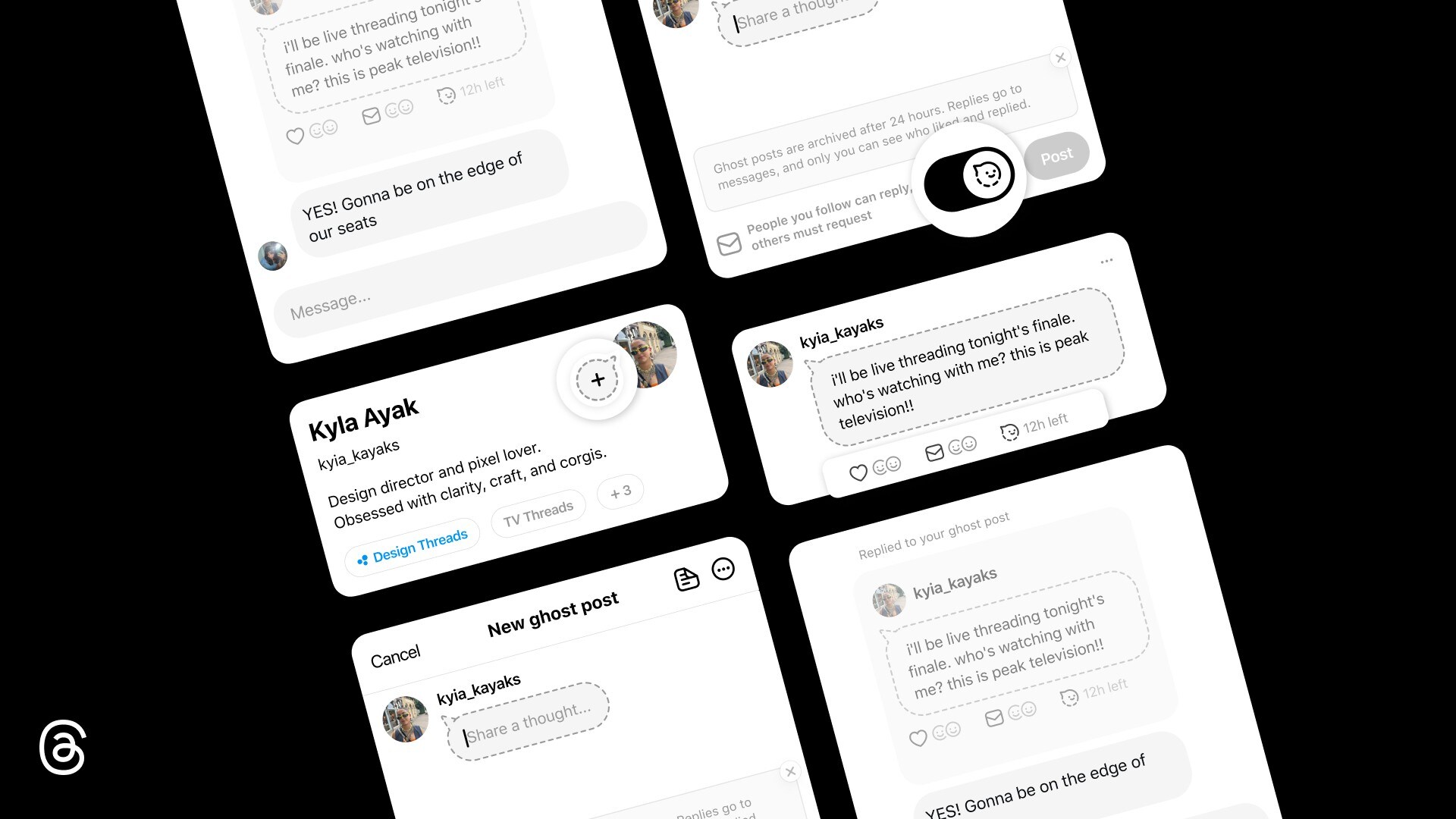
Meta has introduced “ghost posts” on Threads, a feature that lets users share their thoughts and ideas that are not permanent on the platform, and vanish after a day.
Ghost posts are essentially Threads posts that a user shares, and they will self-archive after 24 hours. They feature alongside regular posts in the main feed, but vanish later, much like Stories on Facebook, Instagram, and WhatsApp.
The idea is to allow users to share raw ideas and off-the-cuff reactions without the weight of they being on the platform permanently or the need for perfection or even the need to delete them later. Users can experiment freely and post in the moment.
So if you're going to watch a finale or a concert and will post about it on Threads, you can simply let your followers know with a ghost post. Once the event is over, the post will automatically vanish a day later.
The good part: responses are private. Responses or replies from followers who see your post land in your direct messages, and only you see who liked or responded.
How To Create A Ghost Post On Threads
Creating a ghost post is super simple. Next to your profile picture on the right is the toggle for the ghost post, where you can “share a thought.” Your post will show up as a speech balloon/bubble. Thereafter, any response to your post will show up in messages. After 24 hours, your ghost post will be archived automatically, and you can put up another if you wish.
Ghost posts join a growing toolkit for self-expression on Threads. Meta recently added text attachments (up to 10,000 characters for deep dives or article snippets) and, earlier, spoiler-hiding for media or text on the platform.
Essential Business Intelligence, Continuous LIVE TV, Sharp Market Insights, Practical Personal Finance Advice and Latest Stories — On NDTV Profit.