
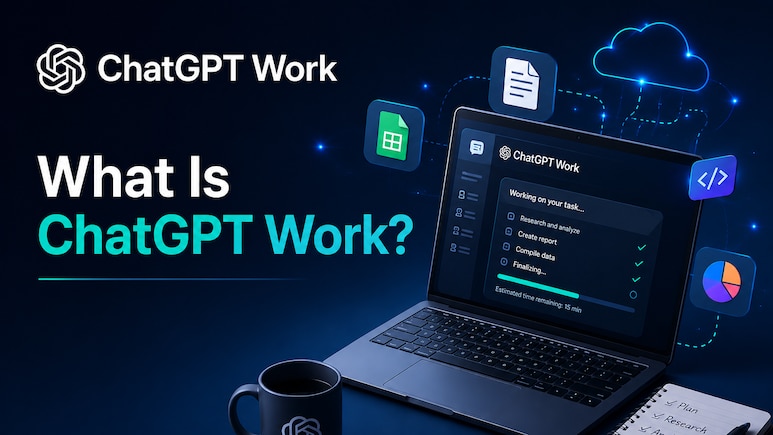
OpenAI has expanded its artificial intelligence portfolio with the launch of ChatGPT Work, a new AI agent aimed at helping professionals complete demanding tasks over longer durations.
The platform is designed to produce documents, spreadsheets, presentations and web applications, among other work-related outputs. It is driven by GPT-5.6, the company's newest AI model which was released on Thursday after its debut was pushed back due to delays under the Trump administration due to national security concerns.
“It can take action across your apps and files, stay with a project for hours if needed, and turn a goal into finished work. It's a whole new way to get work done,” OpenAI posted on X.
Also Read | Layoffs Are Rising In Tech, But These Skills Are Helping People Unlock Better Pay
ALSO READ: 'Smartest Model Yet': SpaceX Launches Grok 4.5 Trained By AI Firm Cursor
The release of ChatGPT Work positions OpenAI against Anthropic's Claude Cowork, which debuted earlier this year with the ability to autonomously organise and complete tasks involving multiple stages.
The introduction highlights the growing rivalry in the professional AI space. Technology firms are investing heavily in autonomous agents as organisations seek software that can complete advanced assignments with little manual involvement. OpenAI and Anthropic, both seen as potential IPO candidates, are competing aggressively for enterprise customers, where commercial opportunities are considered far greater than in the consumer segment.
“The best way to learn how to use ChatGPT Work is to give it a task you already know well: analyse a month-end budget variance, turn source materials into a marketing campaign brief, or prepare for a sales meeting. You can follow its progress, answer questions, change direction, and approve important actions,” OpenAI said in a blog post.
Steps To Use ChatGPT Work
Set up ChatGPT Work by connecting the workplace applications you rely on through plugins.
Integrate services including Slack, Microsoft Teams, Google Drive, SharePoint, email accounts, calendars, CRM systems, project trackers and other business tools.
ChatGPT will usually choose the appropriate plugin automatically based on your prompt. If needed, specify a particular application by entering "@" followed by its name.
Access all integrations from the unified plugins directory, where ChatGPT can also suggest useful plugins during conversations.
After the setup is complete, ChatGPT can retrieve relevant information from connected services, understand your workflow, prepare reports, presentations and other content, and continue improving drafts in the background while you oversee the process.
OpenAI says ChatGPT Work can reduce the burden of repetitive administrative work, giving professionals more time to concentrate on strategic priorities.
ALSO READ: AI Is Becoming A Bigger Threat Than Opportunity For Indian IT, Says HSBC
The platform's Scheduled Tasks tool allows users to automate single actions, recurring assignments, event-based processes or ongoing monitoring activities.
Examples include:
Summarising weekly Slack conversations and updating standing meeting agendas.
Monitoring websites and dashboards every morning before preparing a digest of important developments.
Reviewing customer feedback to uncover recurring issues and transform them into prioritised product initiatives.
Keeping presentations up to date by incorporating new feedback received through email.
Essential Business Intelligence, Sharp Market Insights, Practical Personal Finance Advice, Daily Fuel, Gold and Silver Prices and Latest Stories — On NDTV Profit.