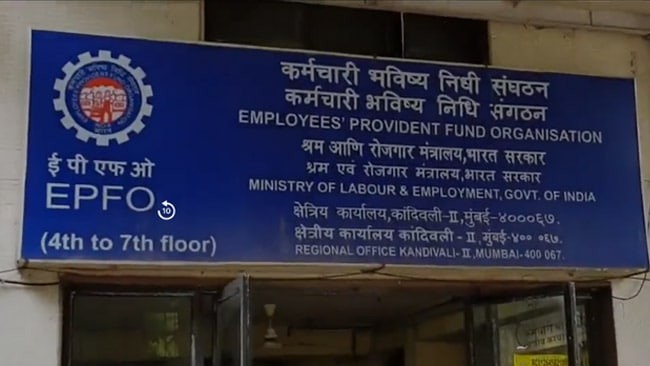
The Employees' Provident Fund Organisation has recently introduced a few changes to guidelines, allowing a hassle-free correction or update on personal details on EPF accounts.
The EPFO members can now easily update details like their name, date of birth, gender and address, among others, for their Provident Fund accounts.

-
 Indian Markets Turning Corner After Two Tough Years, Says Sandeep Tandon
-
 NDTV Profit Ignite 2026: Experts See Opportunity In Equities, Stay Bullish For Long-Term
-
 Buy Right, Sit Tight Does Not Work for Individual Stocks, Says Dinshaw Irani
-
 'Worst Is Behind': Quant MF Sees Market Bottom, Flags 'Extreme Euphoria' In Midcaps
-
 India's Mutual Fund Industry Could Become A $1 Trillion Opportunity, Say Fund Managers
-
 'Foreign Investors Are Baraatis': Raamdeo Agrawal's Take On LTCG Tax
-
 Stay Invested Through Market Cycles: Raamdeo Agrawal at NDTV Profit Ignite
-
 Ramesh Damani Remains Bullish On India For Next 20-30 Years, Sees Bargains Amid Market Weakness
-
 CAS Came After A Long Consultation Process: SEBI Chairman Tuhin Kanta Pandey AT NDTV PROFIT IGNITE
-
 Aim To Cut FPI Onboarding Time From Mth To Five Days: SEBI Chairman Tuhin Kanta Pandey AT NDTV PROFI
The EPF subscribers can update the personal details online only for the account for which the Universal Account Number has been validated through an Aadhaar-linked verification.
Also Read | Layoffs Are Rising In Tech, But These Skills Are Helping People Unlock Better Pay
For such accounts, the EPFO members need not to upload any supporting documents. However, for any account where UAN was obtained before Oct. 1, 2017, a validation from the employer will still be needed for these updates.
Here is a step-by-step guide on how to change your name and other personal details online in an EPF account:
Step 1: Open the UAN portal. Log in to your EPF account using your user ID and password.
Step 2: Click Modify Basic Details after selecting the Modify section. You will not be able to edit the basic personal information if your Aadhaar has not been linked to the UAN profile.
Step 3: Enter your Aadhaar number before entering your name, gender and date of birth.
Step 4: Select the Request Change option and enter your name as it appears on your Aadhaar card.
Step 5: Select the Update button.
Step 6: You will see the message Pending Approval by Employer after selecting Update.
Step 7: Contact your employer to get the request approved.
Step 8: The EPF office will change your name within 30 days of receiving your employer's approval.
How To Correct?
There are two options available to correct your name and other personal details in your PF account offline. Applicants will need to contact their employer or visit the nearest EPF office.
You can submit the EPF name correction form and any accompanying documentation at the branch concerned.
Documents Required
The government has determined a list of documents that are required for these modifications, which include the following:
Aadhaar card
PAN card
Voter's ID card
Driver's licence
Passports
ESIC ID card
Bank or post office passbooks
School or education certificates
A copy of phone, electricity or water bill carrying the name of the applicant.
Essential Business Intelligence, Sharp Market Insights, Practical Personal Finance Advice, Daily Fuel, Gold and Silver Prices and Latest Stories — On NDTV Profit.