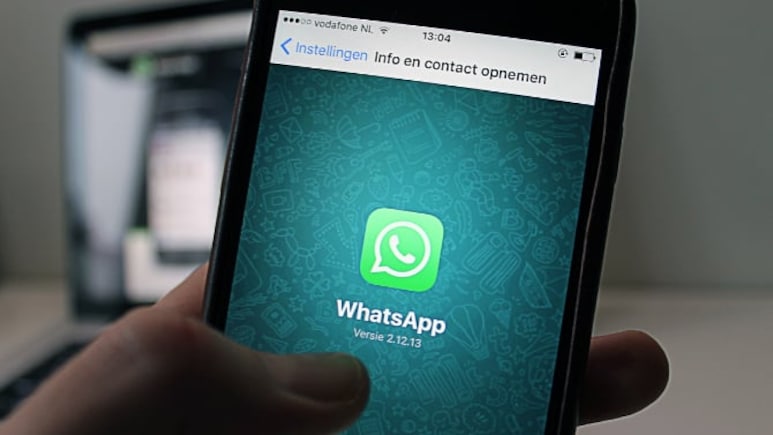
WhatsApp has stopped supporting Android 5.0 and 5.1, meaning users with phones running these older versions can no longer use the messaging app. The change took effect on September 8, 2026, and applies to both WhatsApp Messenger and WhatsApp Business.
According to WhatsApp's official Help Center, Android 6.0 or newer is now required to use the app. The company regularly ends support for older operating systems as newer security requirements and features are introduced.

-
 Indian Markets Turning Corner After Two Tough Years, Says Sandeep Tandon
 -
 NDTV Profit Ignite 2026: Experts See Opportunity In Equities, Stay Bullish For Long-Term
 -
 Buy Right, Sit Tight Does Not Work for Individual Stocks, Says Dinshaw Irani
 -
 'Worst Is Behind': Quant MF Sees Market Bottom, Flags 'Extreme Euphoria' In Midcaps
 -
 India's Mutual Fund Industry Could Become A $1 Trillion Opportunity, Say Fund Managers
 -
 'Foreign Investors Are Baraatis': Raamdeo Agrawal's Take On LTCG Tax
 -
 Stay Invested Through Market Cycles: Raamdeo Agrawal at NDTV Profit Ignite
 -
 Ramesh Damani Remains Bullish On India For Next 20-30 Years, Sees Bargains Amid Market Weakness
 -
 CAS Came After A Long Consultation Process: SEBI Chairman Tuhin Kanta Pandey AT NDTV PROFIT IGNITE
 -
 Aim To Cut FPI Onboarding Time From Mth To Five Days: SEBI Chairman Tuhin Kanta Pandey AT NDTV PROFI
Which Android Versions Are No Longer Supported?
The latest change affects phones running Android 5.0 Lollipop and Android 5.1 Lollipop. Devices running Android 6.0 Marshmallow or newer continue to be supported.
Also Read | Layoffs Are Rising In Tech, But These Skills Are Helping People Unlock Better Pay
WhatsApp had announced the change earlier this year and began showing notifications to affected users, giving them time to update their software or switch to another device. WABetaInfo reported that the September 8 deadline would end support for Android versions older than Android 6.0.
What Happens If Your Phone Runs Android 5?
If a phone cannot be upgraded beyond Android 5.0 or 5.1, WhatsApp will no longer work on the device. Users will need to update the phone to Android 6.0 or newer, if an official update is available, or switch to a newer smartphone.
Most devices affected by the change are more than a decade old. Android 5.0 was released in 2014, while Android 6.0 arrived in 2015. Tech Advisor reported that Android 5.0 accounted for less than 1% of Android devices globally earlier this year, although even a small share could represent millions of users.
ALSO READ: WhatsApp Introduces Third-Party AI Agents On Android: How The Feature Works
Why Is WhatsApp Ending Support?
WhatsApp says it stops supporting older operating systems so it can focus on newer devices and keep up with advances in technology and security. Older operating systems may also lack the technical capabilities needed to run newer WhatsApp features.
WABetaInfo reported that continuing to support outdated Android versions can make it harder for WhatsApp to develop and maintain newer features across the platform.
How To Check Your Android Version
Android users can check whether their phone is affected by opening Settings and looking for the Android version under About phone or Software information. The exact menu can vary between smartphone manufacturers.
If the phone is running Android 5.0 or 5.1, users should first check whether a software update to Android 6.0 or newer is available. If no update is offered, they will need a newer phone to continue using WhatsApp.
Back Up Your WhatsApp Chats Before Switching
Users moving to a new phone should back up their WhatsApp chats before making the switch. WhatsApp allows Android users to back up their chat history to Google Drive, which can then be restored on a compatible Android phone.
The Times of India also recommends checking that the backup is complete before switching devices and ensuring the new phone has enough Google storage to restore the WhatsApp data.
The September 8 change only affects older Android versions. WhatsApp's official support page says Android 6.0 and newer versions remain supported. The company has separate minimum requirements for iOS devices, so this particular change does not affect iPhone users.
ALSO READ: WhatsApp Username Row: Govt Weighs Standard Rules For All Messaging Apps
Essential Business Intelligence, Sharp Market Insights, Practical Personal Finance Advice, Daily Fuel, Gold and Silver Prices and Latest Stories — On NDTV Profit.