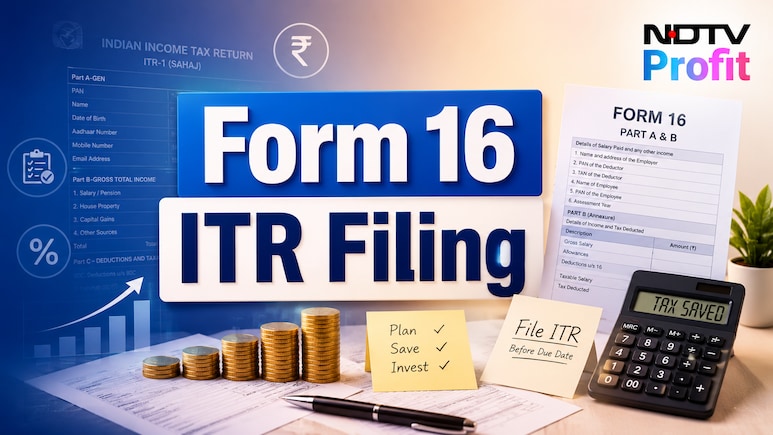
- Verify personal and employment details like name, PAN, employer, TAN, and financial year in Form 16
- Compare salary details in Form 16 with monthly payslips and annual salary statements for accuracy
- Check deductions and income details, including tax-saving investments under Sections 80C, 80D, and 80CCD
As the tax season arrives, taxpayers must consolidate all their necessary documents to ensure timely compliance. For salaried persons, one of the major tax-related documents is Form 16. It forms the basis of filing one's Income Tax Returns (ITR). Employers are required to issue Form 16 by June 15 each year if tax has been deducted from an employee's salary.
As employees seek to submit their ITR, it is important to carefully review the details of Form 16 and ensure that all the information appears correctly. They must check aspects such as salary income, tax deducted at source (TDS), exemptions, deductions, and other information mentioned in the document.
ALSO READ: ITR Filing: What Happens If You Miss Advance Tax Payments Deadline?
Also Read | Layoffs Are Rising In Tech, But These Skills Are Helping People Unlock Better Pay
Form 16 is divided into two parts. Part A is a consolidated statement that contains details of the employer, employee, and TDS deposited with the government. Part B provides a detailed breakup of salary, exemptions, deductions claimed, and tax calculations.
Checking these details can help avoid errors while filing your ITR.
What To Check In Form 16?
1. In Form 16, one must begin by verifying personal and employment details. Details such as name, PAN, employer's name, TAN, financial year and assessment year must be carefully checked.
2. Compare the salary details mentioned in Form 16 with monthly payslips and annual salary statements to ensure accurate ITR reporting with compliance with tax laws.
3. Review all deductions and additional income details carefully. Ensure tax-saving investments claimed under Sections 80C, 80D and 80CCD are correctly reflected, particularly if you wish to file income under the old regime.
4. Compare the details in Form 16 with your Annual Information Statement (AIS) and Form 26AS before filing your ITR. AIS is a statement that provides complete information about a taxpayer for a particular financial year. Form 26AS is your consolidated annual tax credit statement. Check whether salary income, TDS, interest income, dividends and other reported transactions match. Also verify that TDS deducted by your employer is correctly reflected in Form 26AS against your PAN.
ALSO READ: Switching Between Old And New Tax Regime? Here's What Taxpayers Often Miss
5. If you notice any errors in Form 16, such as incorrect salary figures, deductions or TDS details, contact your employer immediately to fix the issue and ensure compliance with laws.
Essential Business Intelligence, Sharp Market Insights, Practical Personal Finance Advice, Daily Fuel, Gold and Silver Prices and Latest Stories — On NDTV Profit.