Online food delivery giant Swiggy on Tuesday launched a new 'WhatToEat' feature which helps users discover food they would like to eat without wasting much of their time.
Users can now indicate what they are craving by selecting from a range of mood bubbles on the app, news agency PTI reported quoting a Swiggy statement.
The feature will inform users of the rationale behind each recommendation, whether it's based on their order history, local trends, or popularity among other Swiggy users, the report stated.
To streamline the decision-making process, WhatToEat presents users with ten personalised recommendations for each order, cutting through the overwhelming number of choices, according to Swiggy.
How To Use 'WhatToEat' Feature In Swiggy?
Step 1: Log in to your Swiggy app and select the 'Food' option
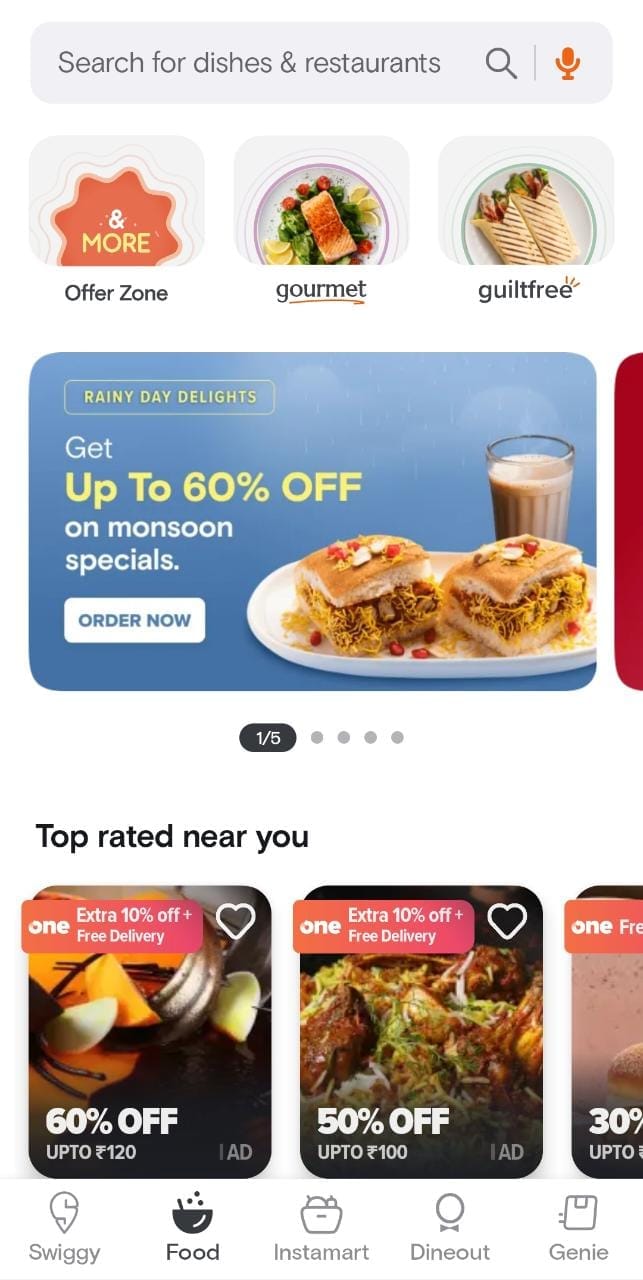
Step 2: Scroll down and select the 'WhatToEat' feature
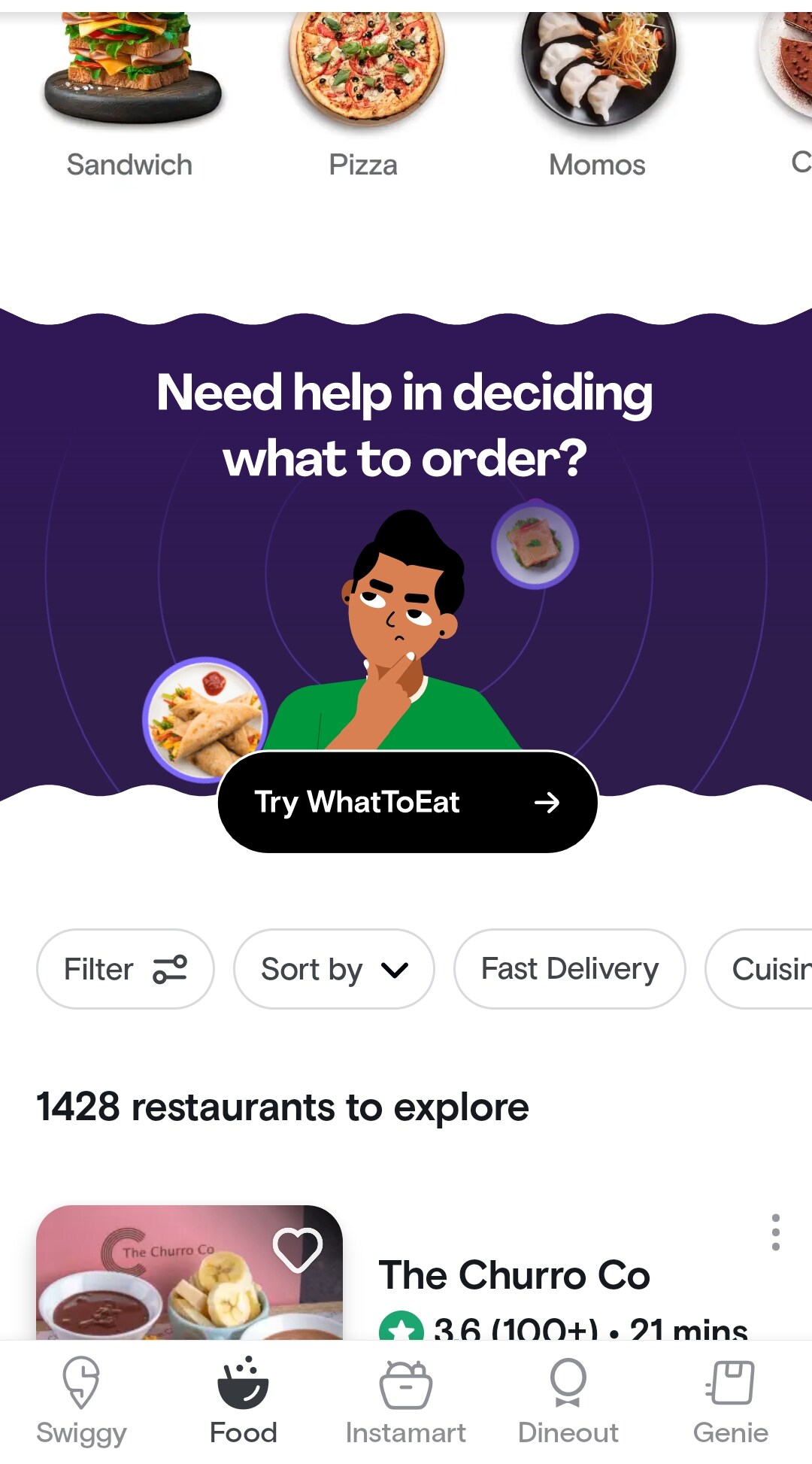
Source: Swiggy
Step 3: Select an option based on your preferences. For example: Burger
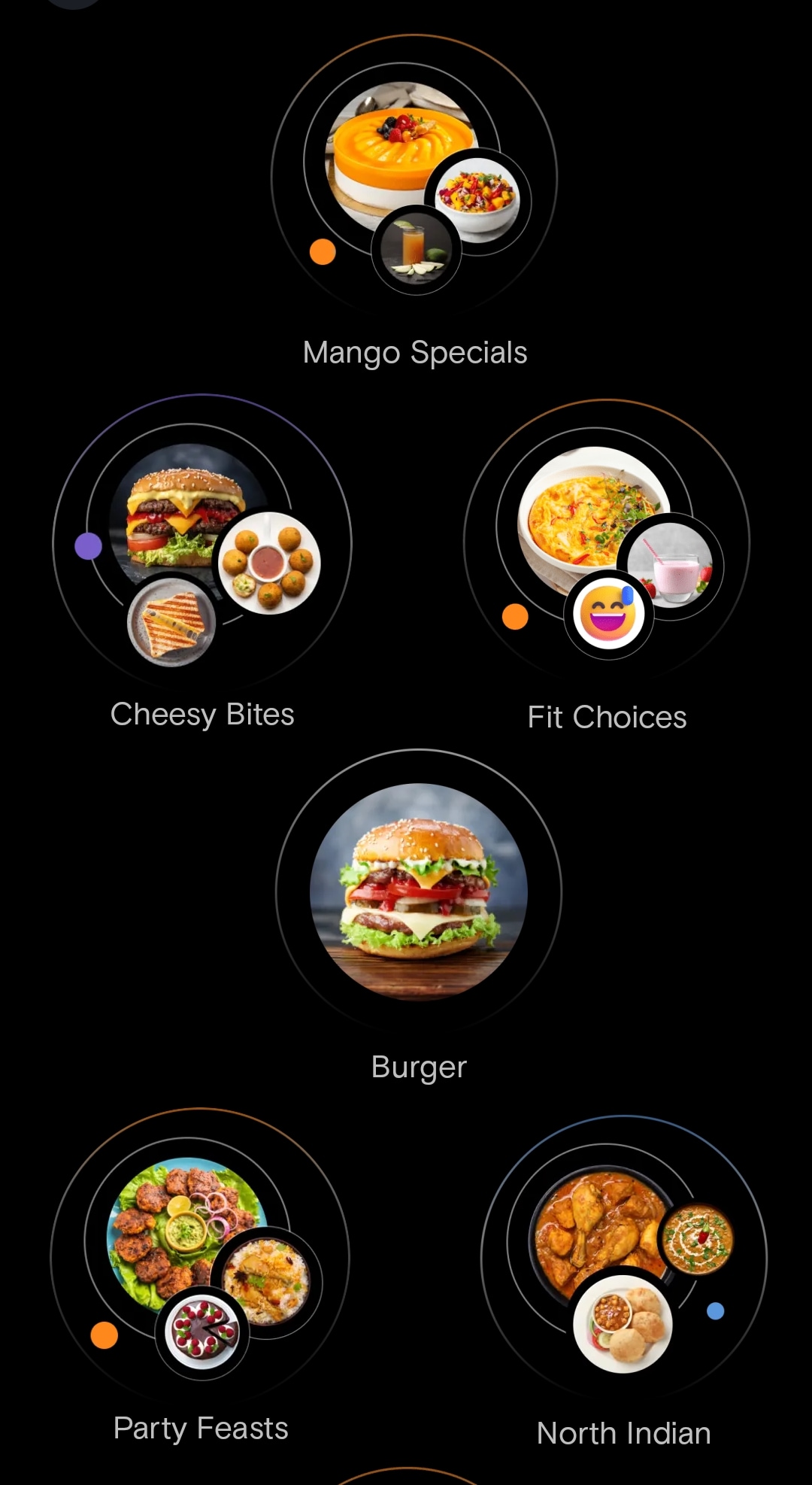
Source: Swiggy
On choosing 'Burger', Swiggy will recommend 10 burger joints/restaurants from which you can select any one and place your order.
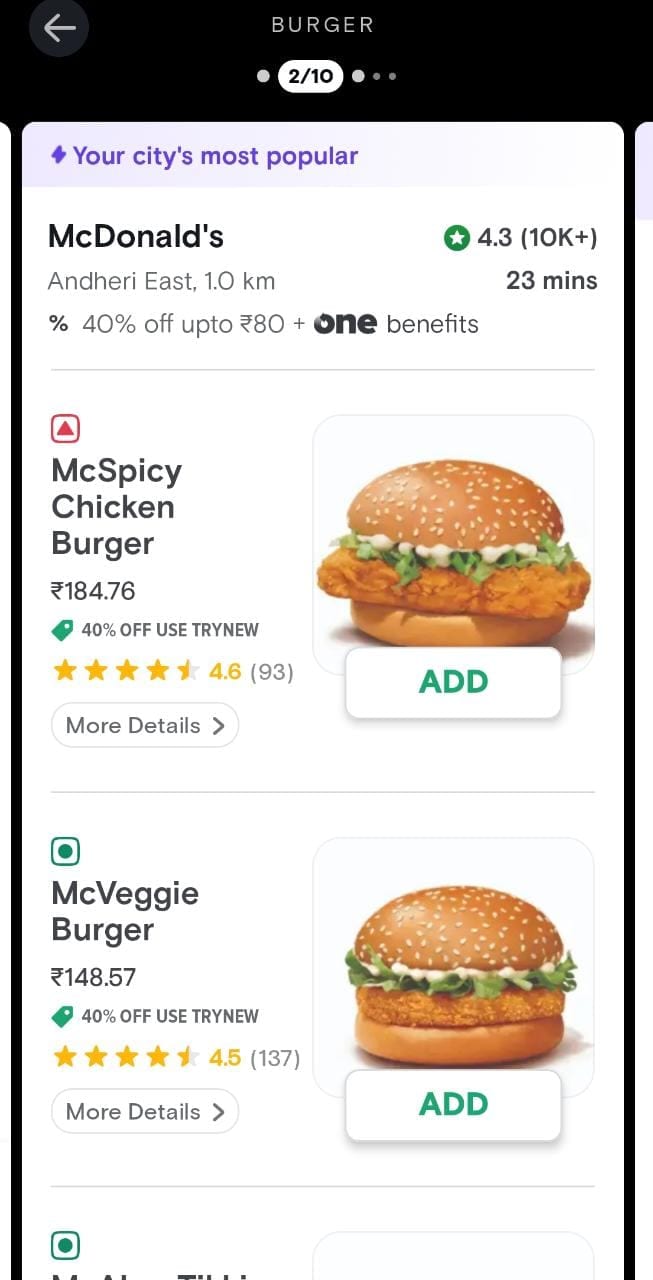
Source: Swiggy
According to a report in BW Disrupt, the launch of 'WhatToEat' feature comes after rival Zomato launched a new feature that allows users to now build multiple carts from up to four restaurants and eventually order from the eatery of their choice.
Essential Business Intelligence, Sharp Market Insights, Practical Personal Finance Advice, Daily Fuel, Gold and Silver Prices and Latest Stories — On NDTV Profit.