After getting approval from the National Payments Corporation of India (NPCI) to become a third-party application provider, One97 Communications Ltd.-operated Paytm has listed down steps that users need to take to change default bank account on their platform to continue enjoying the UPI payments service.
"National Payments Corporation of India (NPCI) has today granted approval to One97 Communications Limited (OCL) to participate in UPI as a Third-Party Application Provider (TPAP) under multi-bank model," the statement said.
Under the model, Axis Bank, HDFC Bank, State Bank of India and Yes Bank will act as the payment service provider banks for Paytm. This essentially means that all the UPI transactions will now be done via these banks, which were previously done via Paytm Payments Bank.
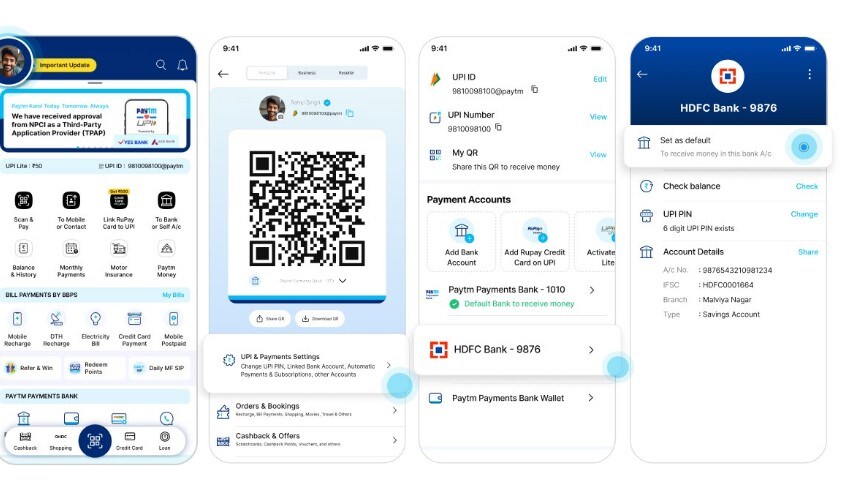
Steps to change default bank account on Paytm
Here's how to update your default bank account on Paytm to receive UPI payments effortlessly.
Log in to the Paytm Money App.
Go to Profile Account.
Go to UPI and Payment Setting.
Select your existing bank account.
Select "set as default.”
Check the image below for reference.
NPCI allows Paytm to continue UPI operations
Paytm's UPI transactions were earlier being carried out through Paytm Payments Bank (PPBL) which was barred by the Reserve Bank of India (RBI) from accepting deposits, credit transactions, or top-ups in any customer accounts after March 15.
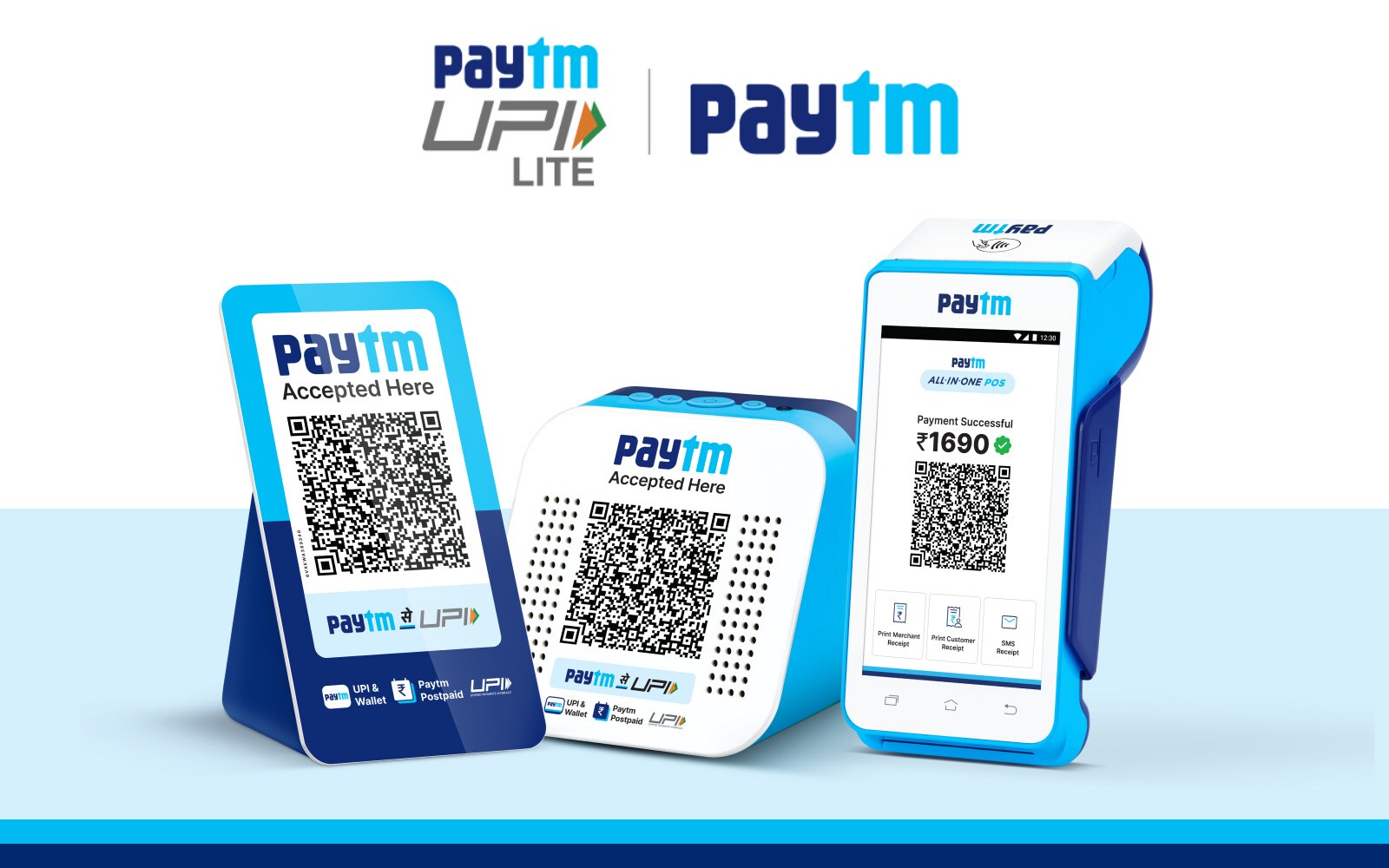
Paytm QR codes, Soundbox, and card machines will also remain fully operational. The company said that this ensures continued convenience for millions of users and merchants who rely on these services for their daily transactions.
Your favourite Paytm app is working, as always! 🚀 We have received approval from @NPCI_NPCI to participate in UPI as a Third-Party Application Provider (TPAP) under multi-bank model
March 15, 2024RBI's Directive on Paytm
Paytm app users will continue to use all services like mobile and DTH recharges except for Paytm Payments Bank's offerings including wallet funds, Fastag and bank accounts.
The RBI has issued a directive restricting Paytm Payments Bank Account/Wallet from accepting new deposits or allowing credit transactions after March 15, 2024.
In their FAQ section, Paytm said that users will not be able to deposit or add money to your Paytm Payments Bank Account/Wallet after March 15, 2024. However, there is no restriction on withdrawal of money from their existing balance even after March 15, 2024.
Essential Business Intelligence, Continuous LIVE TV, Sharp Market Insights, Practical Personal Finance Advice and Latest Stories — On NDTV Profit.