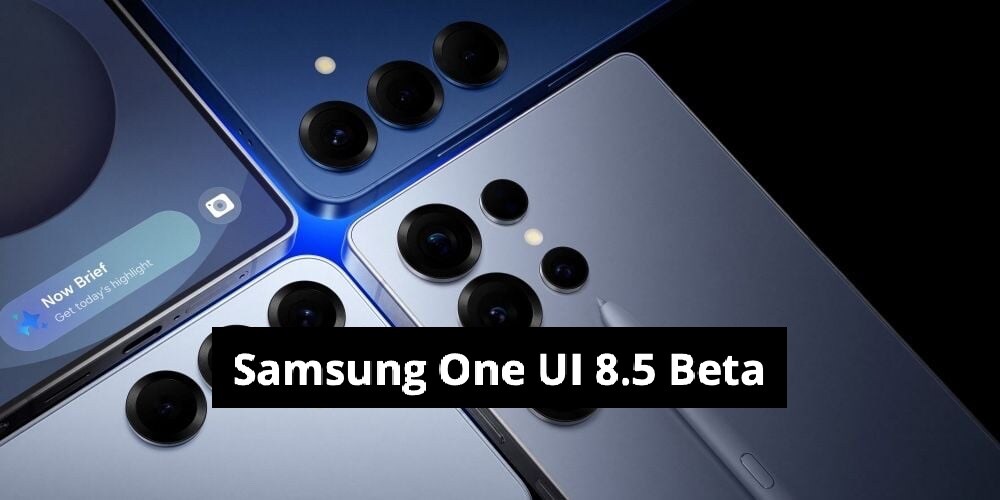
- Samsung launches One UI 8.5 public beta for Galaxy S25 series devices first
- Beta available in six countries including South Korea, US, UK, Germany, India, Poland
- Update size is about 4GB and includes December 2025 security patch
Samsung has officially kicked off the One UI 8.5 public beta programme, with the Galaxy S25, S25 Plus, and S25 Ultra being the first devices to receive it.
The One UI 8.5 beta is exclusive to the Galaxy S25 series for now, but stable rollout to older flagships is expected in the following months. Testers enrolled in the Samsung Members beta programme can download the update immediately in supported countries.
Samsung One UI 8.5 Beta Live In Six Nations
The One UI 8.5 beta is now live in six countries: South Korea, the US, UK, Germany, India, and Poland. More regions are expected to be added in the coming weeks.
Also Read | Layoffs Are Rising In Tech, But These Skills Are Helping People Unlock Better Pay
The update weighs in at roughly 4GB and includes the December 2025 security patch. In Germany, for example, the build numbers are: Galaxy S25 Ultra (S938BXXU7ZYL7) and Galaxy S25 Plus/S25 (S938BOXM7ZYL7 and S938BXXU7CYL7)
Multiple users and trusted sources — including SamMobile's Max Jambor and Tarun Vats — have already posted screenshots confirming the rollout.
Breaking! 🔥
December 8, 2025
The One UI 8.5 Beta Program is live in Germany for the Galaxy S25 series!
Build: S938BXXU7ZYL8/S938BOXM7ZYL8/S938BXXU7CYL8
Share this awesome news with everyone, Galaxy Fam! pic.twitter.com/6p46yBm4JWOne UI 8.5 Beta: Key Features And Highlights
The One UI 8.5 beta introduces several new features and Galaxy AI upgrades. Photo Assist now lets users generate and edit images continuously without saving every step. All versions are saved in an edit history for easy comparison.
Quick Share automatically recognises people in photos and suggests sending the picture directly to them. Files from Galaxy phones, tablets, laptops, and even Samsung TVs appear directly inside the My Files app on any connected device, making cross-device access better.
New Audio Broadcast (Auracast) menu in Settings allows broadcast of media audio or voice (via the phone's microphone) to nearby LE Audio devices.
Other updates include:
Faster Smart View connection and improved multi-device continuity.
Fully redesigned and customisable Quick Panel.
Refreshed weather widget; new weather effects and animated backgrounds for alarms.
Redesigned power-saving modes and battery management UI.
Enhanced customisation for lock screen, widgets, and icons.
Latest privacy and security enhancements.
Essential Business Intelligence, Sharp Market Insights, Practical Personal Finance Advice, Daily Fuel, Gold and Silver Prices and Latest Stories — On NDTV Profit.