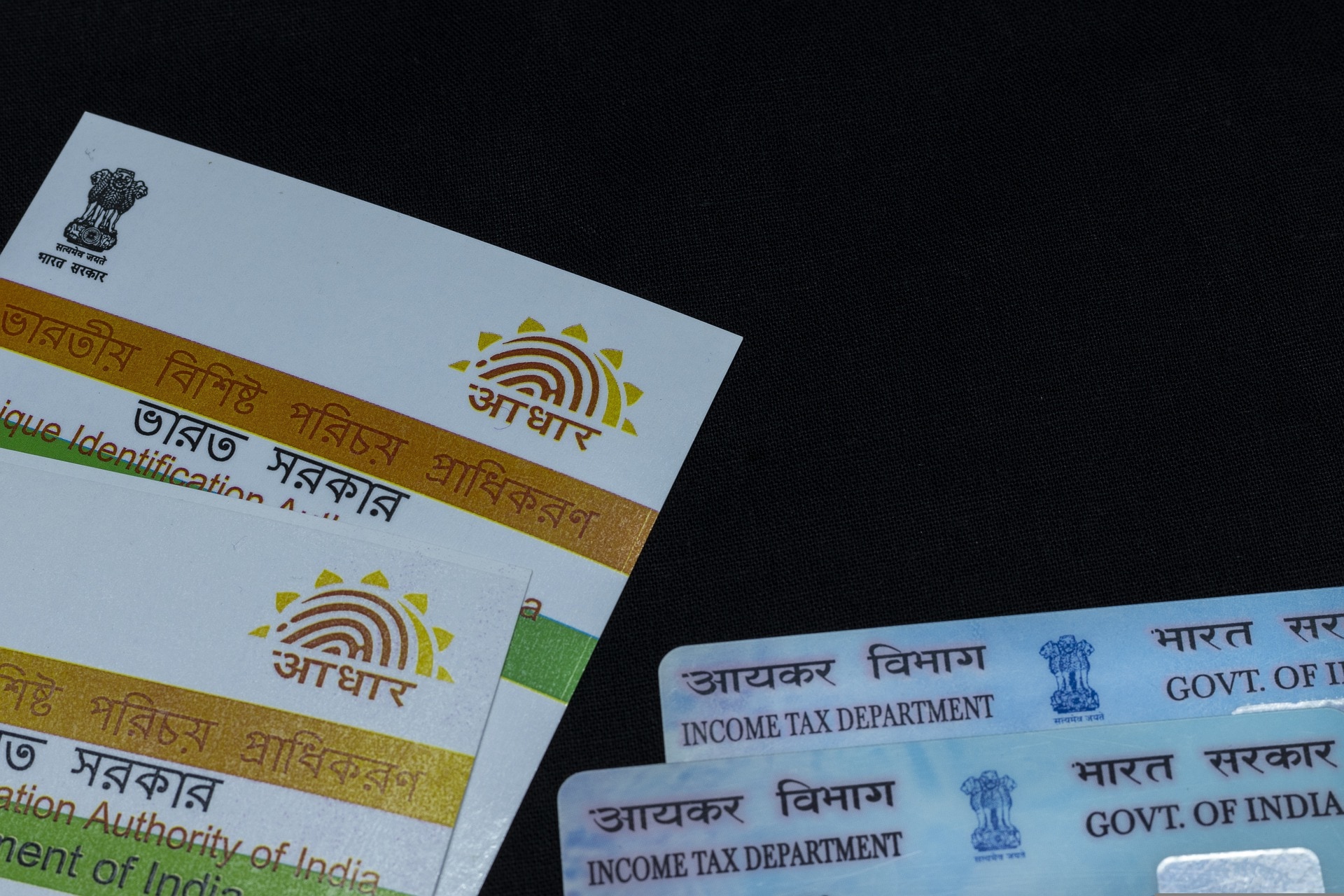
Those who want to update their Aadhaar details have another window to do so without any charges as the Unique Identification Authority of India (UIDAI) has once again extended the deadline for free updates to December 14, 2024.
While originally the free update service was to end on June 14, 2024, the deadline was extended to September 14 earlier. This is the second time that the UIDAI has extended the deadline for the service, which is available through the official 'My Aadhaar' portal.
The service lets users update their key demographic details such as name and address for free. Once the deadline is passed, the users will have to pay processing charges for any such updates on Aadhaar.
Here's how you can update Aadhaar online:
-Visit myaadhaar.uidai.gov.in.
-Log in with the Aadhaar number and a one-time password sent to your registered mobile number.
-Choose the fields you want to update and upload the supporting documents.
-Submit your request for the same and track using the Update Request Number (URN).
One should keep in mind that any biometric updates like fingerprints and iris scans will have to be initiated by visiting the nearest Aadhaar center.
Among the many uses of Aadhaar, the card essentially serves as proof of identity, address, and age for many government services. It acts as a KYC document for verification for banking services as well as helps in processing of a passport application, standing as proof of residence and identity.
Essential Business Intelligence, Continuous LIVE TV, Sharp Market Insights, Practical Personal Finance Advice and Latest Stories — On NDTV Profit.