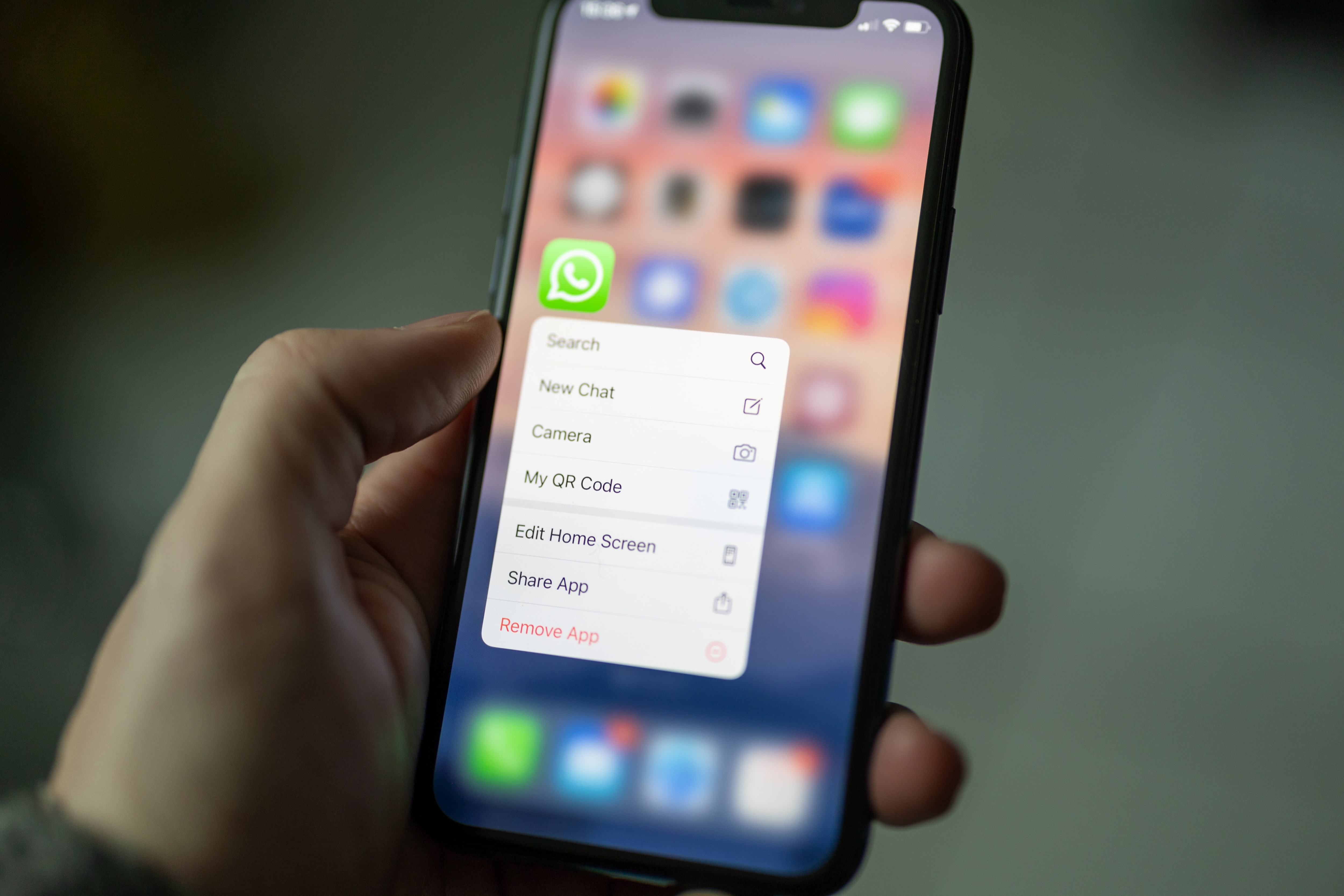
Users of popular messaging app WhatsApp can now automatically silence incoming calls from unknown contacts.
Meta CEO Mark Zuckerberg made the announcement about the new feature in a Facebook post on Tuesday.
"You can now automatically silence incoming calls from unknown contacts on WhatsApp for even more privacy and control," he said.
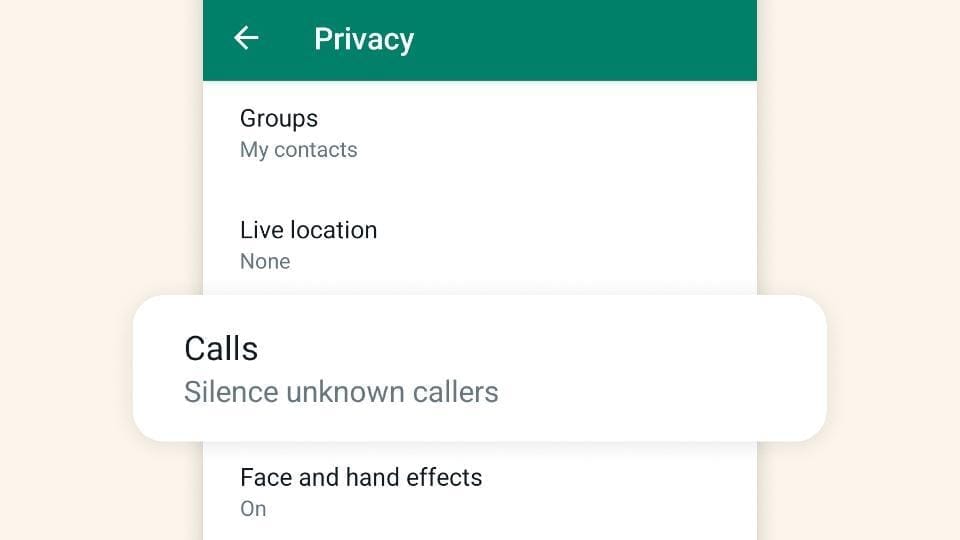
Source: Mark Zuckerberg's Facebook
WhatsApp has been working on this feature since March 2023 and has made it available for Android and iOS users. This feature will help users in avoiding spam and unwanted marketing calls.
How To Silence Unknown Calls on WhatsApp?
Step 1: Click on the three dots menu and select Settings
Step 2: Click on Privacy
Step 3: Select the Calls option
Step 4: Enable the 'Silence unknown callers' option.
Earlier this month, WhatsApp launched a new Security Center page to help users to combat spammers, and unwanted contacts and to educate them about other safety measures.
Before that, WhatsApp joined hands with Truecaller to help users spot potential spam calls over the internet.
According to Truecaller's annual Global Spam Report 2021, India is the fourth most spammed country.
Over 202 million spam calls were made by just one spammer in India. That's over 664,000 people that were disturbed by spam calls every day and 27,000 people every hour - from just one phone number, said the report. The number is likely to have increased manifold.
Essential Business Intelligence, Continuous LIVE TV, Sharp Market Insights, Practical Personal Finance Advice and Latest Stories — On NDTV Profit.