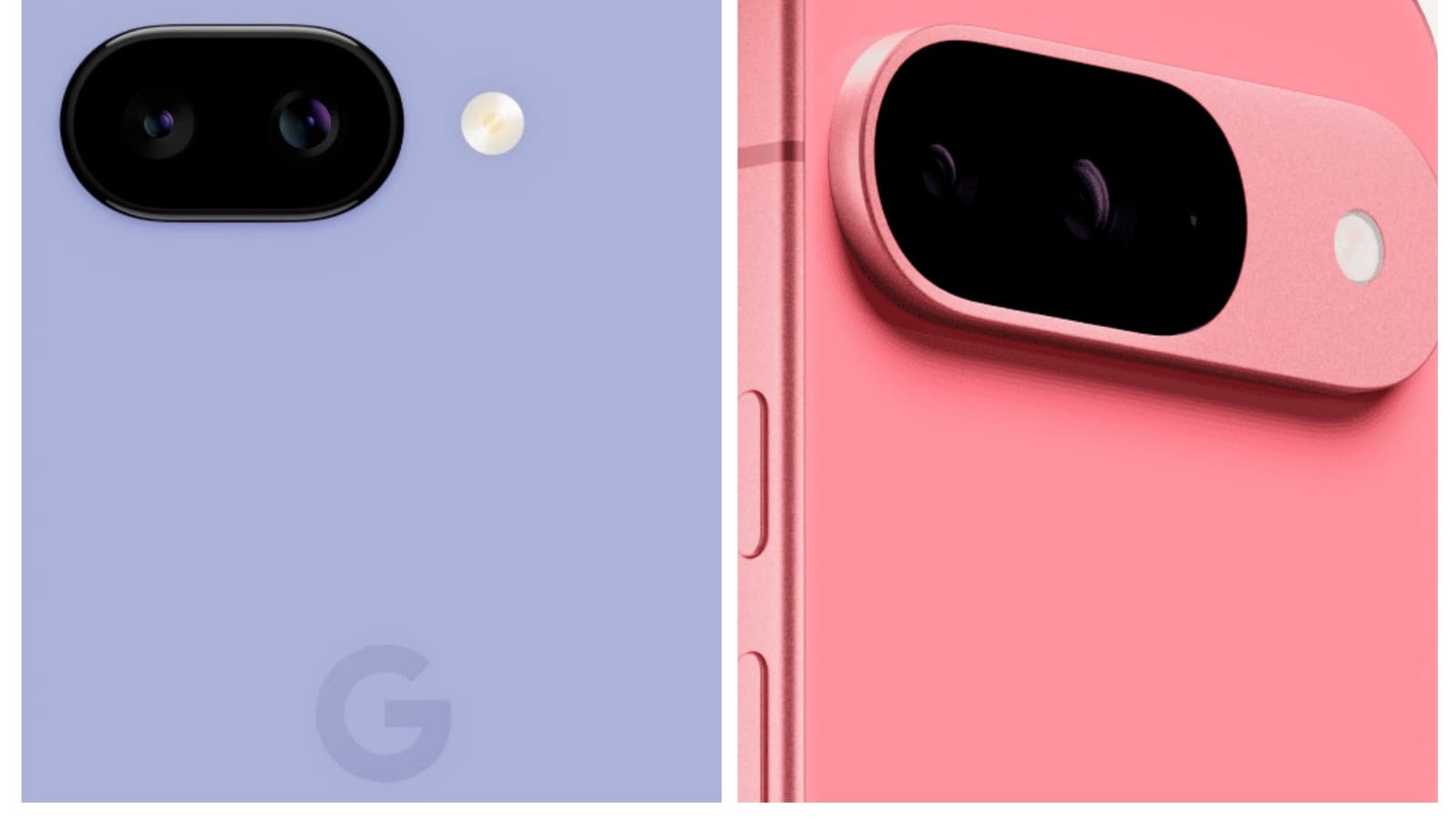
Google is releasing the May 2025 Pixel Update for the company's most recent Pixel 9 devices, Pixel Tablet and other older models with the latest version of Android 15.
The update includes a major security fix too and users are urged to update their Pixel devices urgently. Google claims that the May 2025 update resolves problems with the Bluetooth, framework and audio.
Numerous Pixel users had expressed dissatisfaction over the microphone recording quality declining with specific apps like WhatsApp, Bluetooth pairing troubles when connecting to certain smartwatches and a glitch in the quick settings menu items, which show in a secondary language.
This Android 15 May patch fixes nearly 30 security flaws, but the most significant one is CVE-2025-27363, which Google claims "may be under restricted, targeted exploitation". It is a weakness that can be exploited by malicious actors. The security patch includes remedies for three "high" severity system vulnerabilities.
According to Google, the patch also comes with a bootloader upgrade that keeps your device from reverting to an earlier, vulnerable version of Android. This update "prevents the device from rolling back to previous vulnerable versions of the bootloader", and is applicable to Pixel 6 (6, 6 Pro, 6a) and Pixel 8 (8, 8 Pro, 8a) phones.
Google Pixel Devices Eligible For May Update
The following is the list of Google Pixel devices eligible for the Android 15 update:
Pixel 6
Pixel 6 Pro
Pixel 6a
Pixel 7
Pixel 7 Pro
Pixel 7a
Pixel Tablet
Pixel Fold
Pixel 8
Pixel 8 Pro
Pixel 8a
Pixel 9
Pixel 9 Pro
Pixel 9 Pro XL
Pixel 9 Pro Fold
Pixel 9a
User can check for updates manually: Just open Settings, select security and privacy, then under system & updates select check for updates. Follow the instructions thereafter to update your device.
Essential Business Intelligence, Continuous LIVE TV, Sharp Market Insights, Practical Personal Finance Advice and Latest Stories — On NDTV Profit.