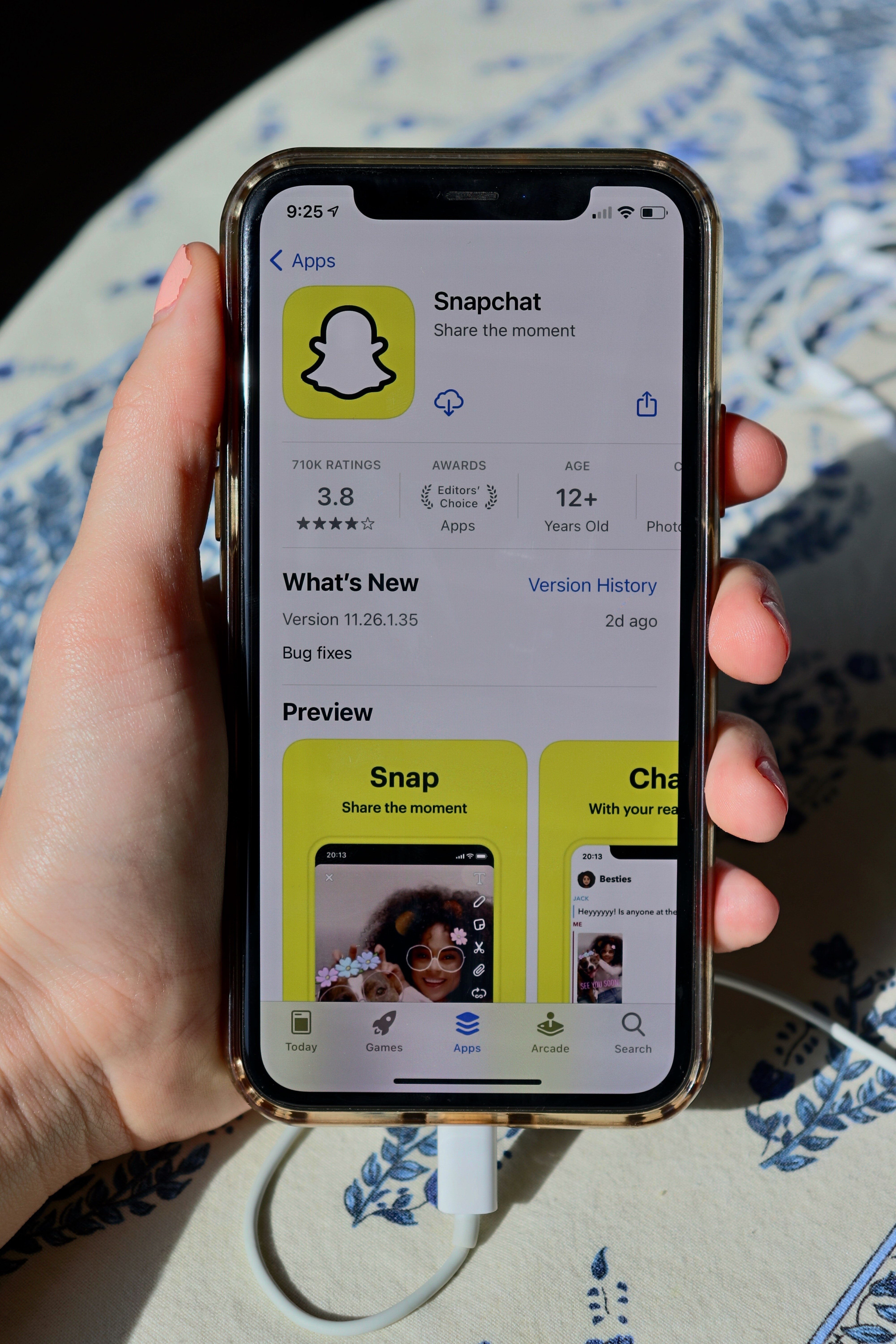
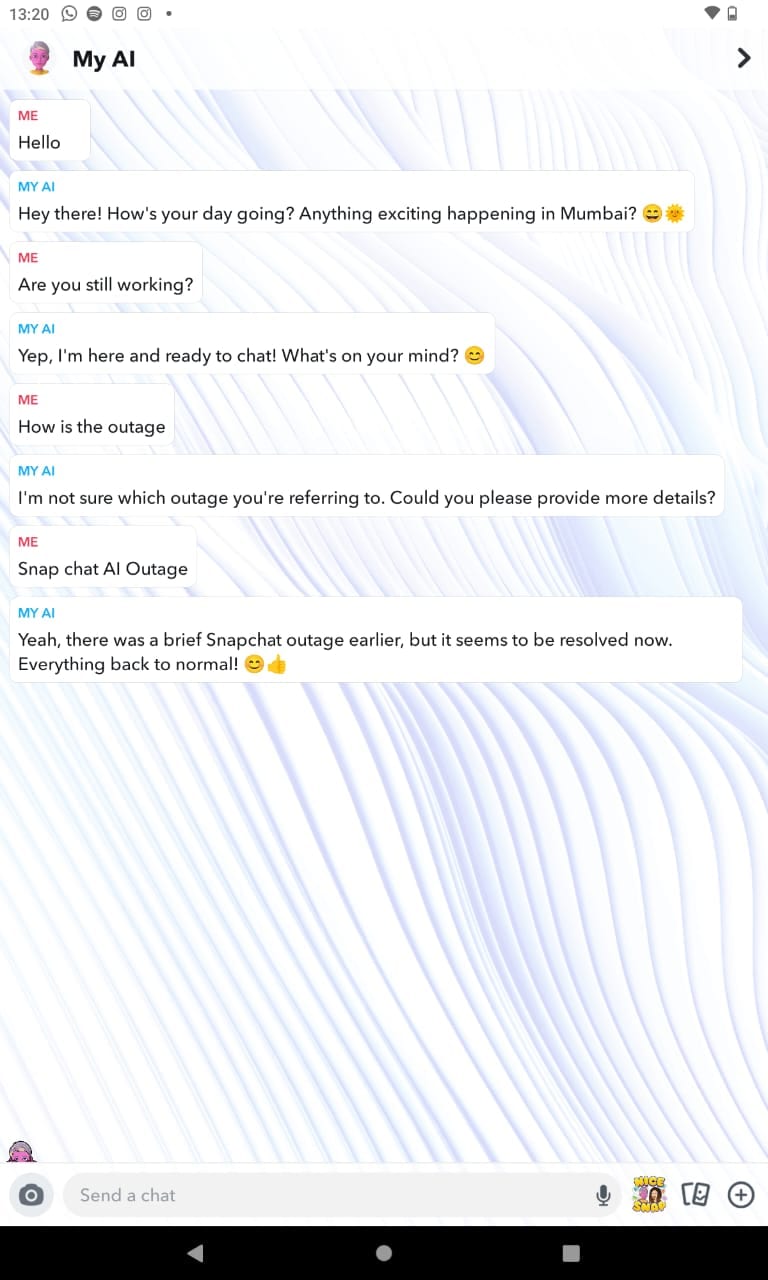
Scores of users took to X (FKA Twitter) after facing a technical glitch in Snapchat's AI chatbot which saw My AI posting stories.
Snapchat support later mentioned that the temporary outage was fixed, but many people are trying to get rid of the AI friend after the horrific experience.
Here's How Users Can Remove 'My AI' Option From Snapchat 'Chat' Feed
If you are a 'Snapchat +' user, you can easily get rid of the option of MyAI. Snapchat with the early access to this feature gave the exclusive users the ability to remove it as well.
How To Disable My AI In Snapchat?
To disable the My AI feature on Snapchat, go to your Profile and deactivate the 'My AI' option in the Snapchat+ management screen.
To remove My AI, follow these steps.
To access the Chat screen, simply swipe right from the Camera screen.
Hold My AI.
Click 'Chat Settings'.
Clear from chat feed.
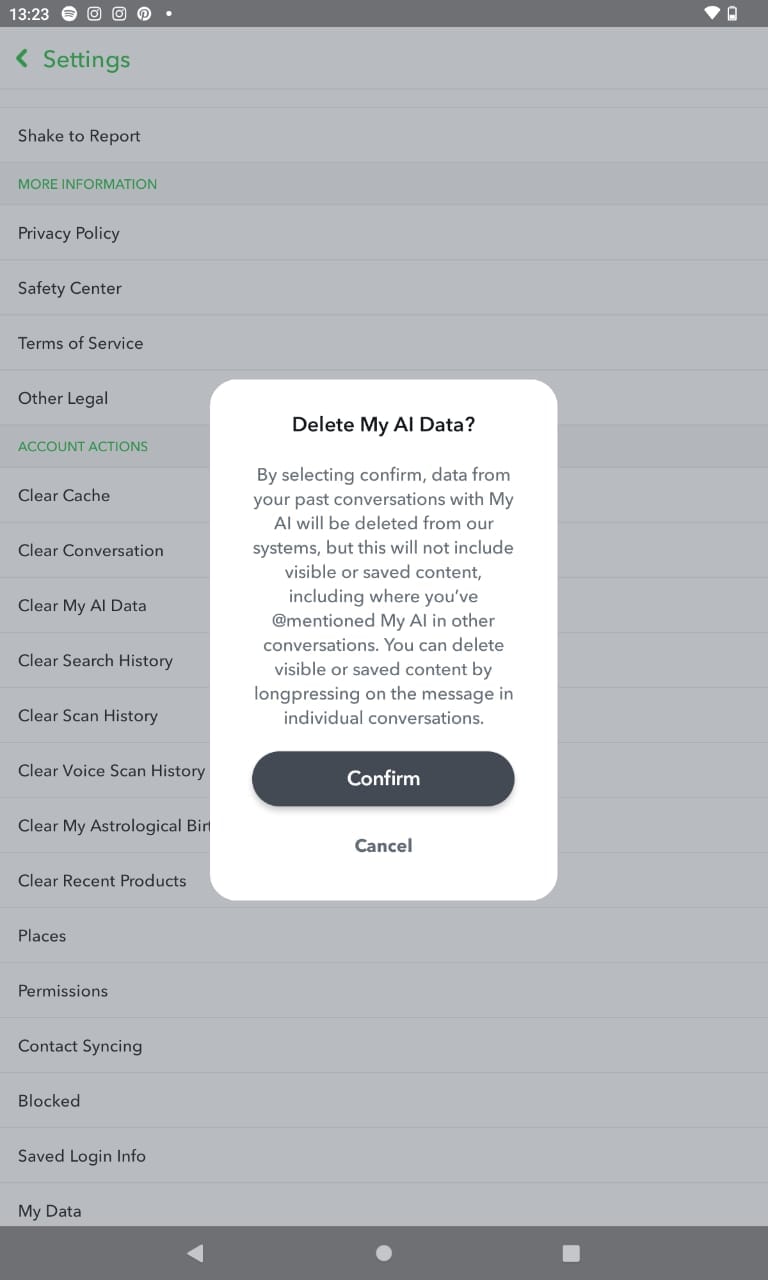
How to Clear Conversations And Delete Data With My AI
1. Tap on the 'Snapchat' Icon on your device
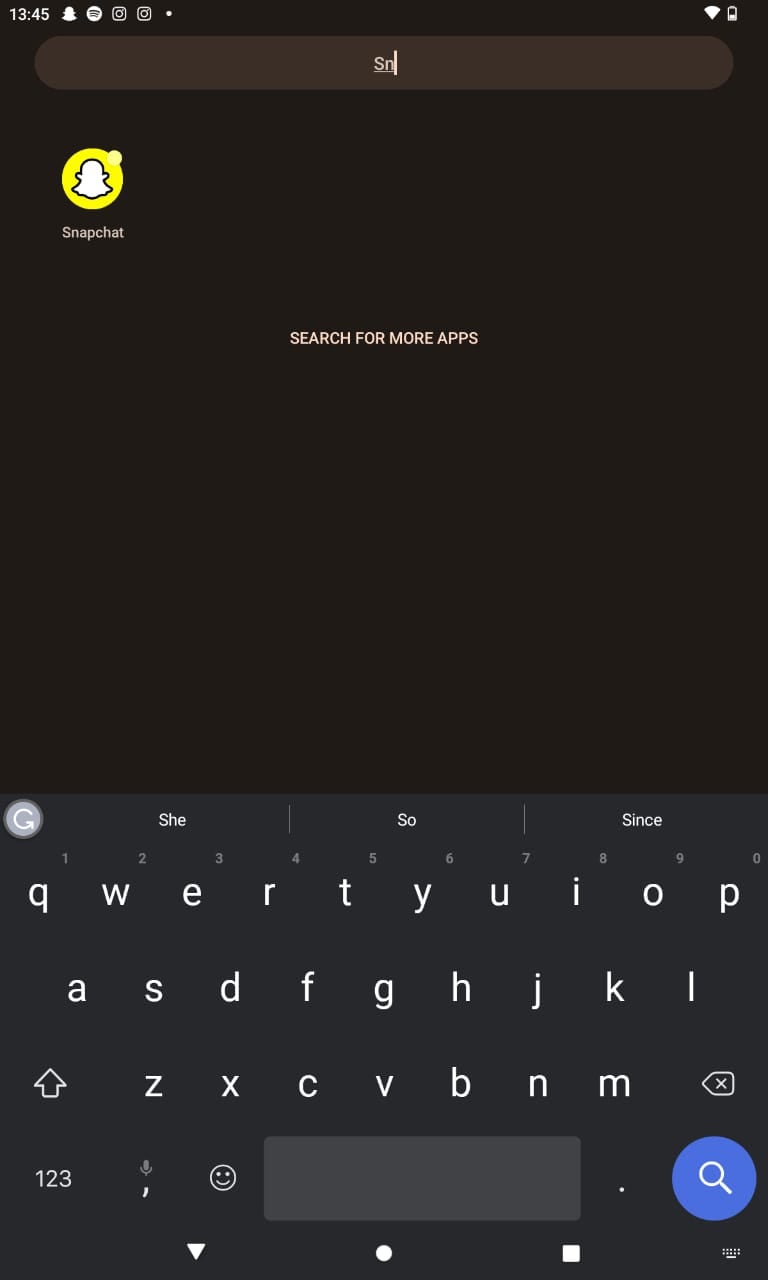
2. Click on your bitmoji and then on settings
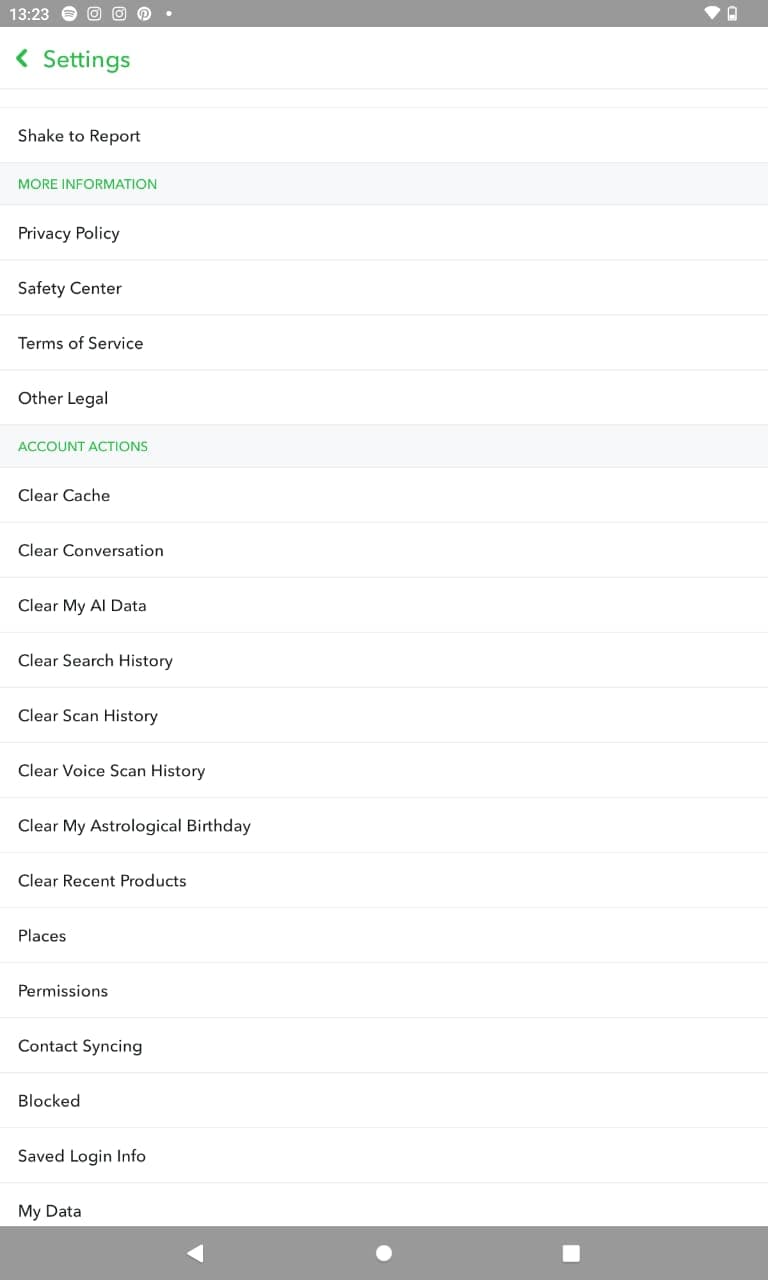
3. Click on 'My AI Data' in the settings and confirm before clearing any history.
Essential Business Intelligence, Continuous LIVE TV, Sharp Market Insights, Practical Personal Finance Advice and Latest Stories — On NDTV Profit.