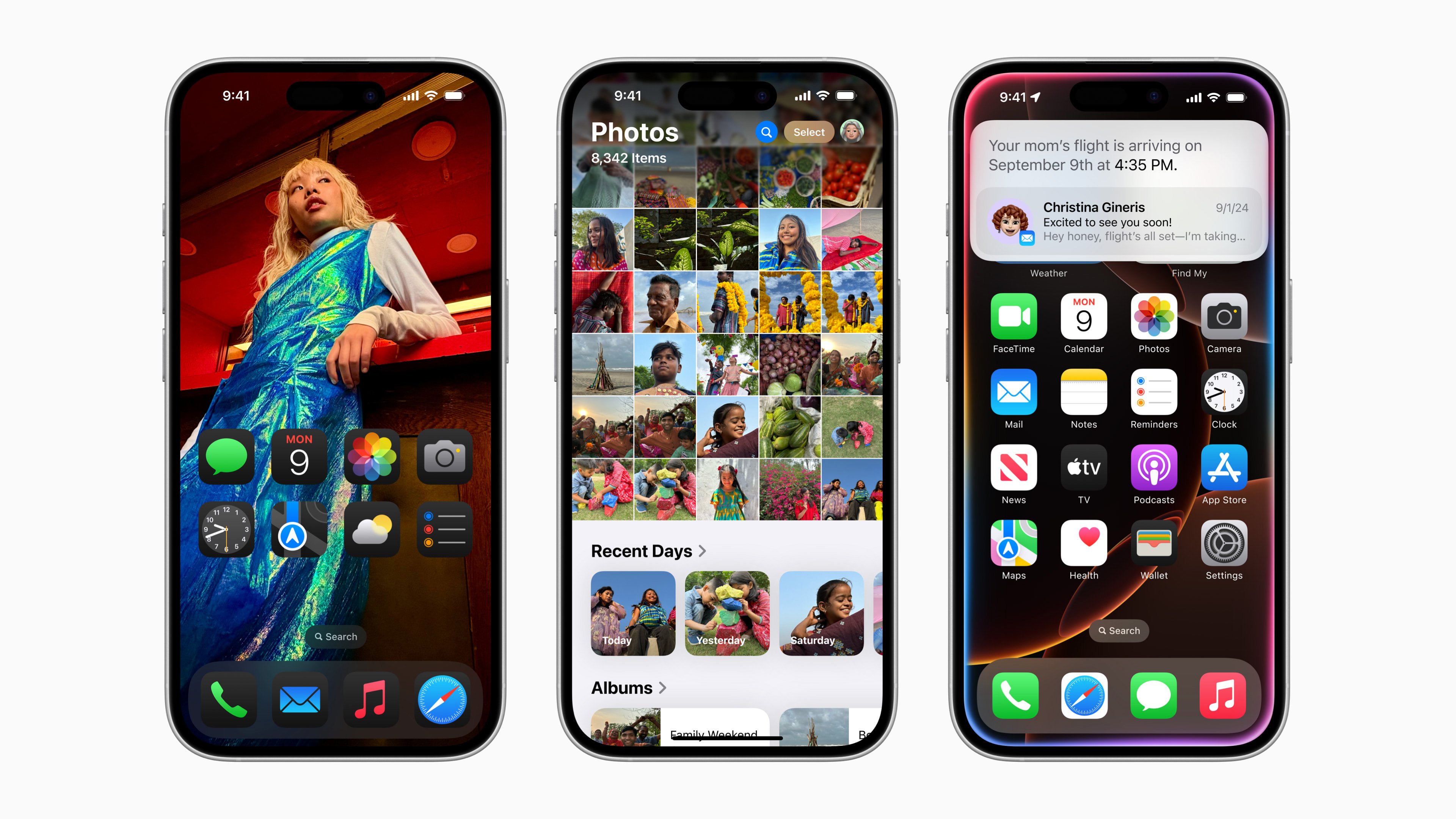
The first set of Apple Intelligence features for iPhone users have been launched by Apple Inc. With the release of iOS 18.1, Apple Intelligence is now accessible via a free software update on the following iPhones: iPhone 15 Pro, iPhone 15 Pro Max, iPhone 16, iPhone 16 Plus, iPhone 16 Pro, and iPhone 16 Pro Max.
If you have any of these devices, below are some artificial intelligence features you must try:
Photos
Clean Up in Photos: To remove distractions from your photos, use the Clean Up tool in the Photos app. You can tap to remove background objects that Apple Intelligence automatically recognises.
Memory Movie: The Memories feature allows you to make a movie from a simple description or prompt. Based on the description you provide, AI will select the best photos and videos and compile them into a movie.
Natural Language Search: You can search for a specific image and even specific moments within video clips using a natural language prompt.
Writing Tools
Rewrite, Summarise, Proofread: ChatGPT-powered Writing Tools allow you to edit, summarise or proofread text, including in Notes, Mail, Pages and third-party apps.
Compose: You can also generate and illustrate original content from scratch using Writing Tools.
Siri
New Siri: Siri has a new appearance and feel, with a new design and a glowing light around the edge of the screen on the iPhone. Siri has a more natural voice, with more product knowledge, and better understanding of language and requests.
Type To Converse: When it's more convenient than speaking aloud, you can now type to Siri by double tapping the bottom of the screen on an iPhone.
Improved Context: Even if you stutter a bit when speaking, Siri will be able to follow you and keep context between requests without you having to bring up the previous topic.
Mail And Messages
Smart Reply: You can quickly draft an email or message using suggested replies by using Smart Reply in Mail and Messages. With a few taps, Apple Intelligence can identify queries and produce automated answers.
Summaries: You can quickly access the most crucial information with Mail and Messages summaries.
Priority Messages In Mail: AI makes priority emails, such as a reminder to check in for your flight or a deadline for that day, appear at the top of your inbox.
Focus
Reduce Interruptions: This feature understands the content of your notifications, allowing you to see those that require your immediate attention, such as a reminder to pick up your child from school or attending a meeting.
Essential Business Intelligence, Continuous LIVE TV, Sharp Market Insights, Practical Personal Finance Advice and Latest Stories — On NDTV Profit.