Whether booking a flight ticket or opening a bank account, you need to give your Aadhaar details for authentication. The use of the Unique Identification Authority of India's (UIDAI) 12-digit unique ID, Aadhaar, has increased and popularised over the past few years.
In the present day, we may use Aadhaar for multiple uses in quite a casual way. But we need to be cautious about how and where we use it.
Because fraudulent persons or organisations can use Aadhaar to steal personal information, to prevent this, UIDAI issues Masked Aadhaar, which adds a layer of security to it.
What is a Masked Aadhaar?
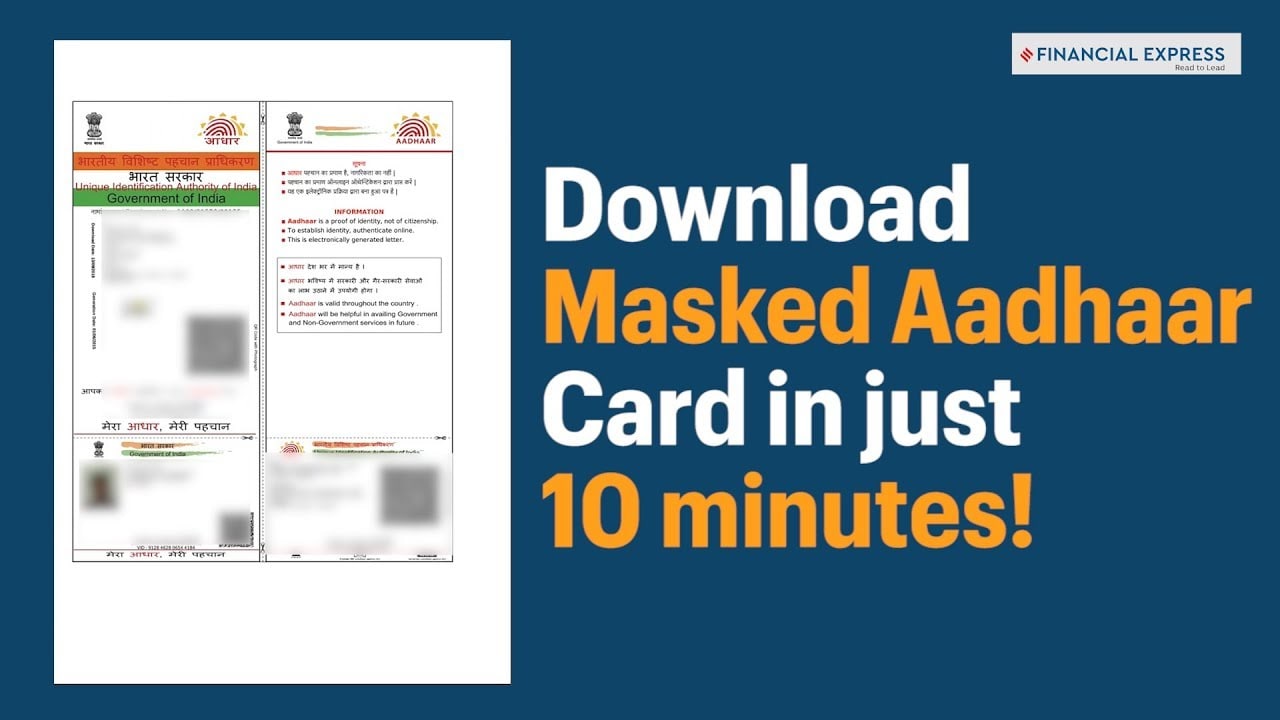
The UIDAI official website defines Masked Aadhaar in this way: "Mask Aadhaar option allows you to mask your Aadhaar number in your downloaded e-Aadhaar. Masked Aadhaar number implies replacing of first eight digits of Aadhaar number with some characters like "XXXX-XXXX" while only the last four digits of the Aadhaar Number are visible."
This form of the Aadhaar card can be used legally as it shows the holder's name, address, and photo. Users can download Masked Aadhaar from the UIDAI portal by following easy steps.
Why use a Masked Aadhaar?
Using a Masked Aadhaar hides the first eight digits of the Aadhaar number and reveals only the end four digits.
This way protects all the sensitive personal information that may be linked to your Aadhaar number.
On May 27, the government issued an advisory that asked people to share only their Masked Aadhaar copies instead of sharing photocopies of the original Aadhaar card.
The Masked Aadhaar was introduced five years ago, but not many people know about it.
How to download a Masked Aadhaar?
1. Visit the official UIDAI website and go to the My Aadhaar option, or visit https://eaadhaar.uidai.gov.in/
2. Enter your 12-digit Aadhaar card number.
3. Choose the option 'I want a masked Aadhaar.'
4. Enter the Captcha verification code that will be provided for verification
5. Click on 'Send OTP.'
6. Download the e-Aadhaar copy.
7. Enter received OTP and click on "Download Aadhaar."
The UIDAI recommends cautious use of the Aadhaar card. It warns against using Aadhaar for unauthorised or promotional activities.
Essential Business Intelligence, Continuous LIVE TV, Sharp Market Insights, Practical Personal Finance Advice and Latest Stories — On NDTV Profit.