
Persons holding bank accounts are required to submit their Aadhaar card details at their respective branches by December 31, 2017. This is to be done by December 31, 2017 as mandated by the government. Also, failing to meet the deadline will result in rendering of the accounts as inoperable. Aadhaar or Unique Identity Number (UID) - the 12-digit identification number issued by the UIDAI or Unique Identification Authority of India - is to be also quoted compulsorily for carrying out many other essential tasks. These range from filing of income tax return (ITR), applying for a PAN (Permanent Account Number) card to using a mobile connection. Amid all this, it is paramount to verify your Aadhaar number as well as the mobile number/email address associated with it.
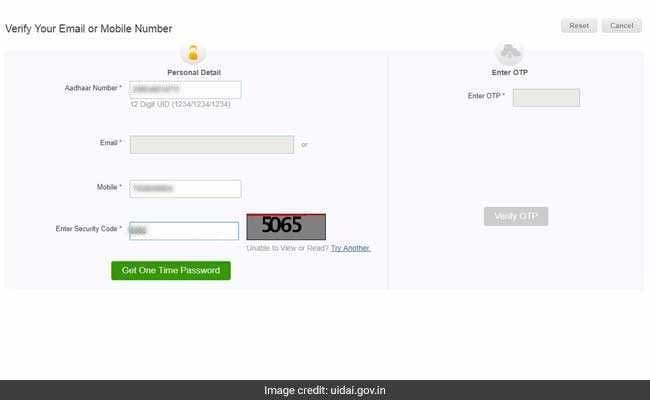
How to verify email on Aadhaar
link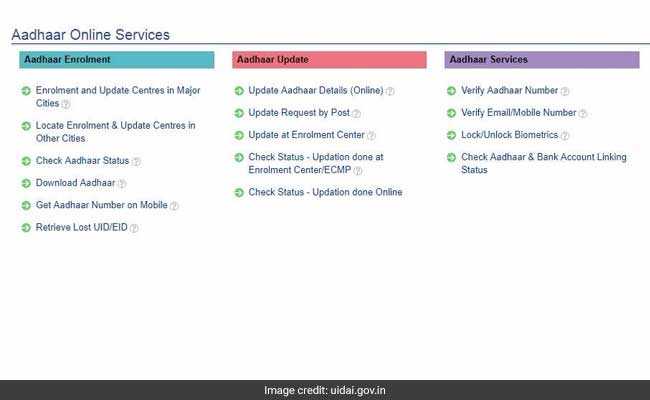
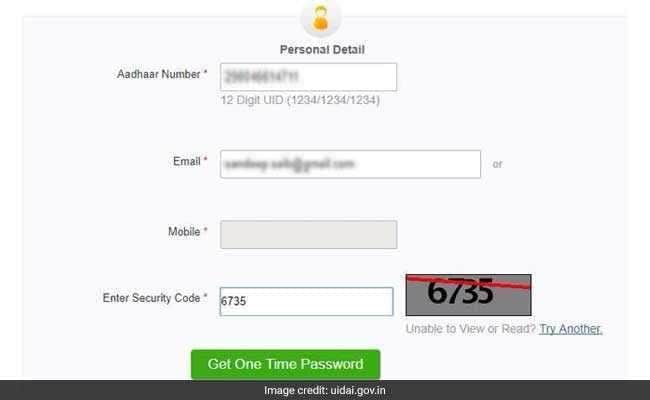
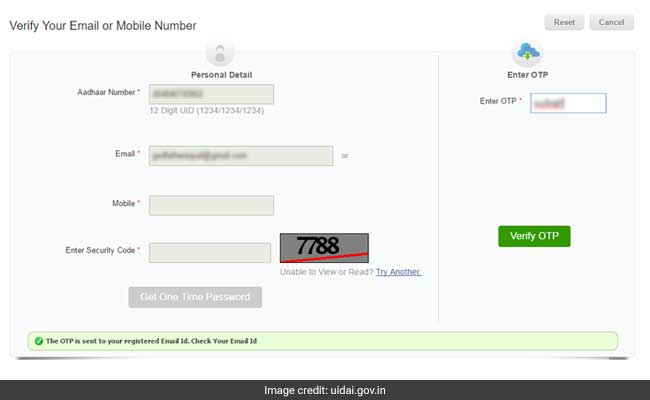
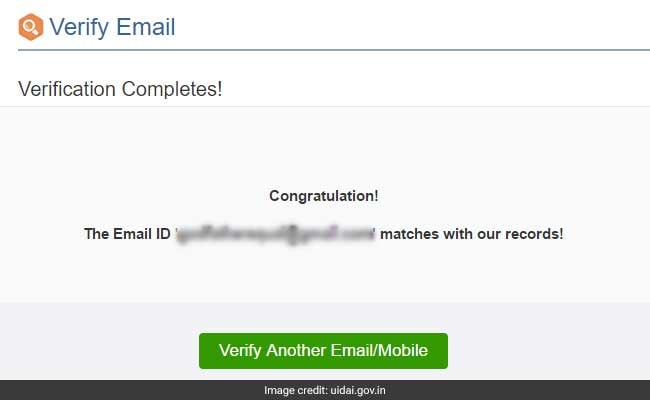
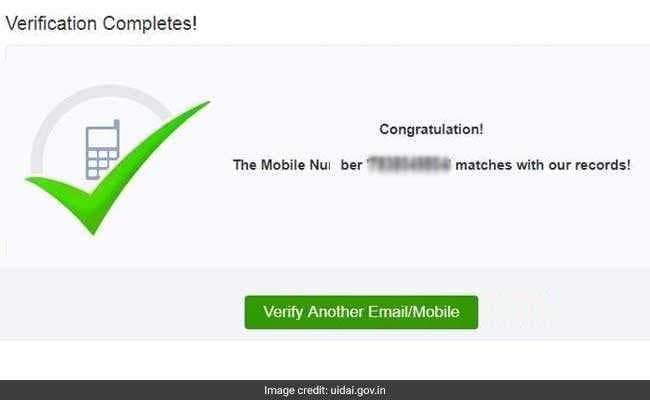
(The UIDAI tool displays this message at the end of a successful email verification)
How to verify mobile number
Mobile number not registered with Aadhaar?
Essential Business Intelligence, Continuous LIVE TV, Sharp Market Insights, Practical Personal Finance Advice and Latest Stories — On NDTV Profit.