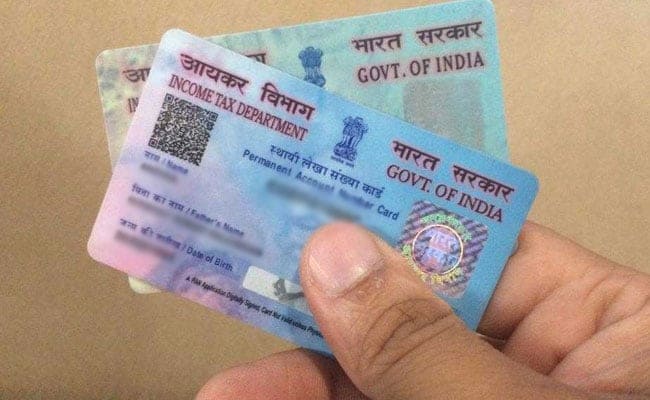
Each assessee (such as individual, firm or company) is issued an unique PAN.
- For any update in existing PAN details, the applicant is required to fill a form online on the NSDL portal. A user can access this form on the NSDL website.
- The form is downloadable from the NSDL e-governance-TIN website. It is also available at the TIN facilitation centres.
- The applicant must fill all the columns of the form, and tick the box on the left margin of address for communication in case using a physical form. In case of an online application, this box is ticked by default.
- Applicant is required to indicate whether the address being given is a residence or office address.
- It is mandatory for all applicants other than individuals and HUF (Hindu Undivided Family) to mention office address as address for communication, according to NSDL.
- If the applicant wants to update any other address, they are required to fill the details of the same in an additional sheet which is to be attached with the form.
- It is mandatory for the applicant to provide proof of communication address.
- If change in any other address is sought, the applicant has to provide proof of the same, according to NSDL.
- Form along with supporting documents can be submitted at any of the NSDL TIN-facilitation centre or PAN centre.
- Online applicants have to send the signed acknowledgement slip along with the supporting documents to the Income Tax PAN services unit on the following address: 5th Floor, Mantri Sterling, Plot No. 341, Survey No. 997/8, Model Colony, Near Deep Bungalow Chowk, Pune - 411 016.
Essential Business Intelligence, Continuous LIVE TV, Sharp Market Insights, Practical Personal Finance Advice and Latest Stories — On NDTV Profit.


















.jpeg?im=FeatureCrop,algorithm=dnn,width=350,height=197)