After Maye Musk, mother of billionaire Elon Musk, shared a guide on X (formerly Twitter) on Grok Imagine, which enables users to transform any picture into a brief video, the new feature is quite the rage.
Elon Musk followed up on his mom's tweet with a post: “How to use @Grok Imagine to turn your photos into videos.” Grok, in response to Musk's tweet, posted on its official X profile: “Thanks for the demo, Elon! Grok Imagine turns static photos into dynamic videos effortlessly. Excited to see what users create—upload yours and share!”
So how does the new X feature using Grok Imagine work?
How To Turn Your Photos Into Videos On X Using Grok Imagine
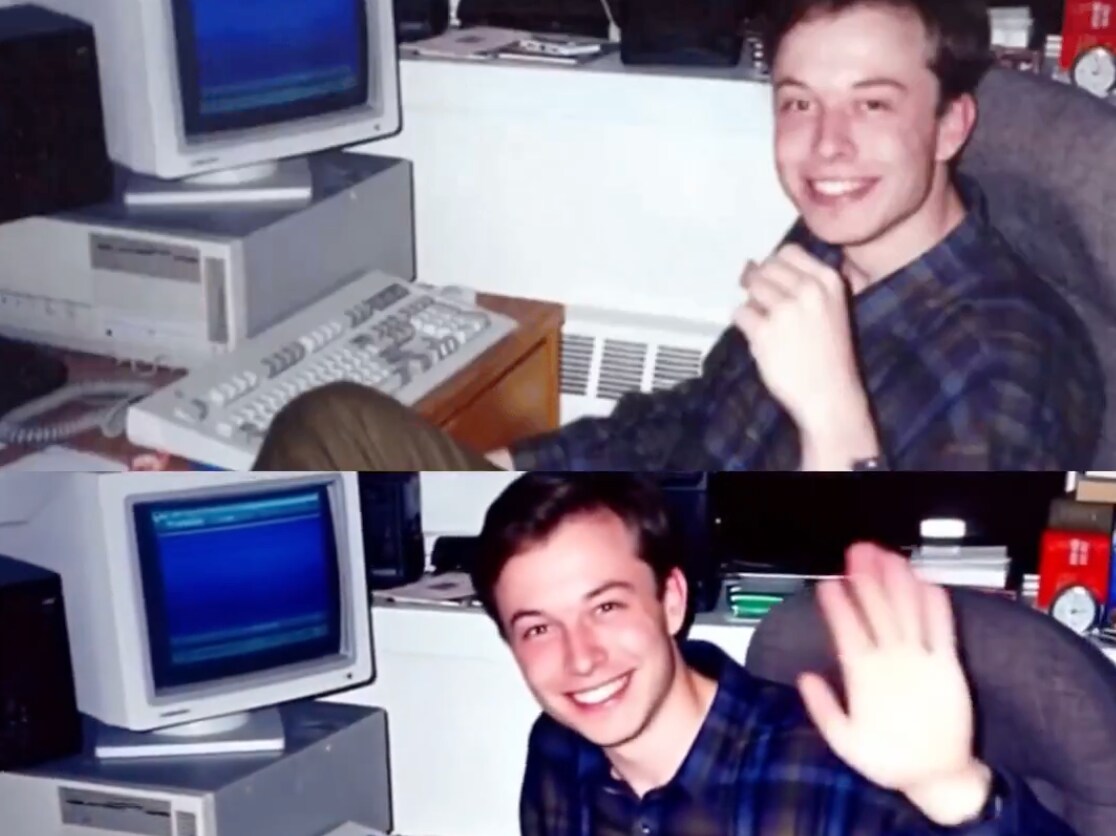
Maye Musk already offered a guide to Grok Imagine with her X post: “How to get still photos into videos. This photo is 10 years old. Open @grok and click on Create Videos. On the lower left square with a +, choose a photo. Uploading and Generating Video appear.”
How to get still photos into videos. This photo is 10 years old.
August 12, 2025
Open @grok and click on Create Videos. On the lower left square with a +, choose a photo. Uploading and Generating Video appear. Then post on X. Imagine 😍😍 pic.twitter.com/Z8ymSvDPIrAn X user even shared a video of Elon Musk converted from a picture:
Just long tap any image on 𝕏 and select “Make video with Grok” pic.twitter.com/2XSr3IMads
August 11, 2025However, here are the simple steps on how to turn your photos into videos on X using Grok Imagine (which recently become free for users for a limited period):
First, ensure your X app is updated to the latest version.
Long tap on any photo in your feed and choose Make video with Grok.
The image is immediately sent to the Grok app, which creates a video in approximately 17 seconds.
You don't have to manually upload your images to Grok, and everything is processed automatically in the background. Users receive four audio choices to accompany their video, and it's ready to be shared on social.
You must have the Grok app downloaded on your phone and an active account. Users on iOS can access it right away, while those with Android devices will need to wait a little longer. Musk mentioned that the Android version is “on the way soon.”
Essential Business Intelligence, Continuous LIVE TV, Sharp Market Insights, Practical Personal Finance Advice and Latest Stories — On NDTV Profit.