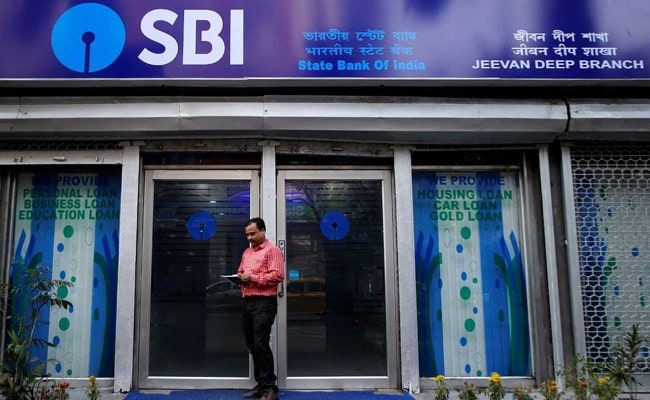
State Bank of India or SBI offers a number of facilities through its internet banking portal. Under this service, SBI customers can access their account balance information, facilitate a fund transfer, apply for a new cheque book and debit cards. Besides these facilities, the country's largest lender also allows its internet banking subscribers to set up a fixed and recurring deposit account via internet banking. To register for online services, users can download the registration form from the SBI website, onlinesbi.com, said the lender.
After registration, the SBI bank branch provides the subscriber with a "Pre Printed Kit (PPF)", which contains details such as username and password. These details are required for logging into the portal for the first time after registration.
After receiving the internet banking username and password, for accessing SBI's internet banking facilities, it is mandatory for the user to change the username and password during the first session, according to SBI's website.
In case a user forgets his/her login username or password, he/she can reset it.
Here are the steps to reset SBI internet banking password:
Step 1: Click on "Forget Login Password" on the login screen
Step 2: User will be redirected to another page where he/she is required to enter the details like username, account number, country, mobile number, date of birth followed by the captcha.
Step 3: After entering all the details click on 'Submit'
Sep 4: User will receive an OTP (on-time password) on the registered mobile number. Enter that and press submit. A new page will open where he/she can create a new password
Essential Business Intelligence, Continuous LIVE TV, Sharp Market Insights, Practical Personal Finance Advice and Latest Stories — On NDTV Profit.