The finalisation of Tega Industries share allotment is likely to be done tomorrow - December 8. The initial public offer (IPO) of the leading mining equipment and mineral manufacturer concluded on December 3. The IPO was subscribed 219 times by the end of its bidding process. The IPO opened for subscription on December 1, and closed on December 3 - remaining open for investors for a period of three days.
On the last day, the portion reserved for non-institutional investors was subscribed 666.19 times - the highest among the three groups of investors.
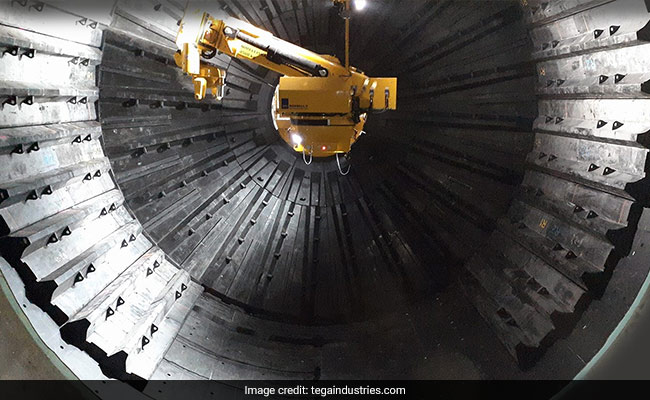
Tega Industries had fixed the price band at Rs 443-453 per equity share for the IPO. The Kolkata-based company offers a wide product portfolio of specialized abrasion and wear-resistant rubber, polyurethane, steel, and ceramic-based lining components used by customers across different stages of mining, mineral processing, and material handling.
The company plans to raise Rs 619.22 crore at the upper price band. The IPO is entirely an offer-for-sale (OFS) of 1,36,69,478 equity shares by selling to shareholders and promoters.
Here's how you can check the status of allotment on the website of BSE or the registrar's website - Link Intime India.
Tega Industries IPO: How to check share allotment status
Steps to check the status of allotment through the BSE website:
- Log in to https://www.bseindia.com/investors/appli_check.aspx
- Select Tega Industries IPO from the list
- Enter your application number
- Provide your PAN number
- Verify that you are not a robot and click ‘submit'
Steps to check the status of allotment through the registrar's website (Link Intime India):
- Log in to linkintime.co.in/MIPO/Ipoallotment.htm
- Choose 'Tega Industries IPO' from the drop-down list
- Select one of the 3 modes — application number, client ID or PAN ID
- Then, submit details of the mode you chose earlier
- Fill Captcha and click ‘submit'
Essential Business Intelligence, Continuous LIVE TV, Sharp Market Insights, Practical Personal Finance Advice and Latest Stories — On NDTV Profit.