New ChatGPT Feature Lets You Revisit Every AI Image You’ve Made — Here’s How It Works
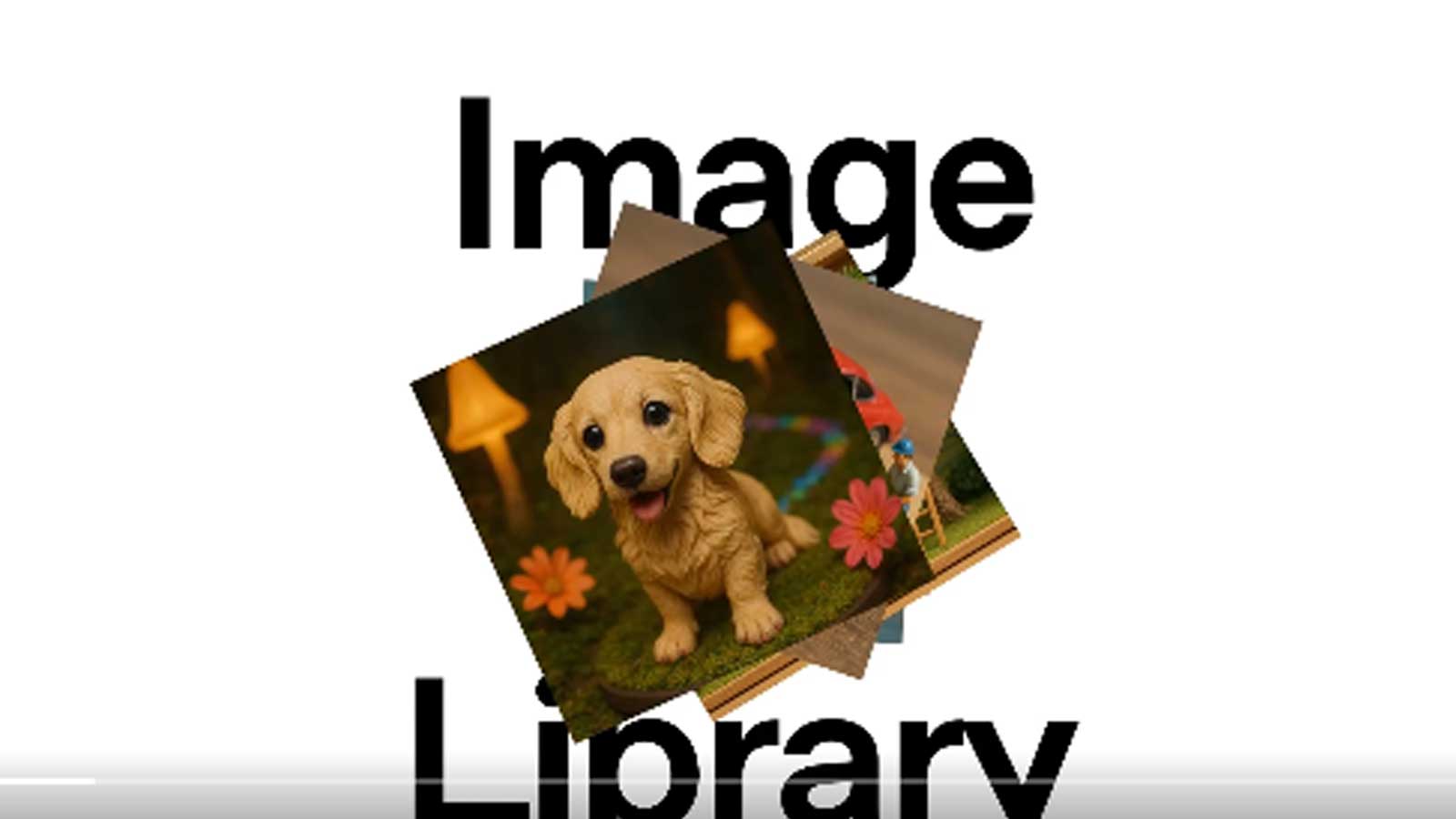
OpenAI is rolling out a new image library inside ChatGPT, allowing users to access all their AI-generated images from one dedicated section. The feature, which was officially announced on April 16, is being made available to all Free, Plus and Pro users on both the web and mobile versions of ChatGPT.
The feature will streamline how users interact with and revisit the visuals they've created using ChatGPT's image tools. Whether somebody is casually experimenting with AI art or using it more extensively for creative projects, the new “Library” section will serve as a central archive for all their visual content.
In a demonstration video posted on X (formerly Twitter), OpenAI provided a quick walkthrough of how the feature works. Users can now find a “Library” tab in the ChatGPT sidebar, where tapping on it reveals a visual grid of previously generated images. The interface also includes a floating button at the bottom of the screen, offering a quick way to create new images.
OpenAI captioned the post, “All of your image creations, all in one place. Introducing the new library for your ChatGPT image creations—rolling out now to all Free, Plus, and Pro users on mobile and http://chatgpt.com.”
All of your image creations, all in one place.
April 15, 2025
Introducing the new library for your ChatGPT image creations—rolling out now to all Free, Plus, and Pro users on mobile and https://t.co/nYW5KO1aIg. pic.twitter.com/ADWuf5fPbjAccording to The Verge, the image library is currently accessible in the ChatGPT iOS app and functions as shown in OpenAI's video. However, the report notes that the web version of the feature had not yet gone live at the time of publication, though it is expected to be introduced shortly. Users must also ensure they are using the most up-to-date version of the ChatGPT app to access the new feature.
The feature is especially useful for users who often create images, such as those exploring artistic themes like Studio Ghibli-inspired art. Using this feature, they can find all their creations in one place.
The addition of the image library comes on the heels of OpenAI's release of its advanced GPT-4o-powered image generation tool. Launched a few weeks ago, the new model quickly gained traction for its ability to produce highly detailed, stylised and photorealistic images. Initially, this tool was limited to Plus and Pro subscribers due to high demand but was extended to all users soon after.
-
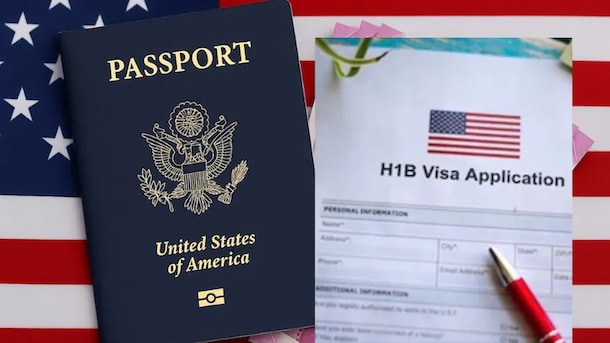
High US Salaries, No Green Card Certainty: The Financial Calculation Facing Indian H-1B Families

The suspension of PERM processing at eight technology employers does not cancel existing H-1B visas. What it does is force a question many Indian families have been avoiding: is the US salary worth tying your career and family plans to one employer?
-
Swiggy vs Eternal: Food Delivery's Two Rivals Are No Longer In The Same Race
Eternal is building a private AI assistant, dark.ai. Swiggy is still working out how to make Instamart pay, with an operating loss of Rs 895 crore in the July-September quarter while Blinkit stayed profitable.
-
Where You Live Shapes How You Get To Work | The Reason Why
Two-wheelers are the most popular way to get to work in India, accounting for nearly 43% of workplace commutes.
-
Unhedged Position: Can India See An Indonesia-Style Time Correction?
The Nifty is trading below levels it first clocked in 2024. Is there, then, as I have suggested in the headline, potential that the current time correction drags on painfully for the next three-five, even ten years?
-
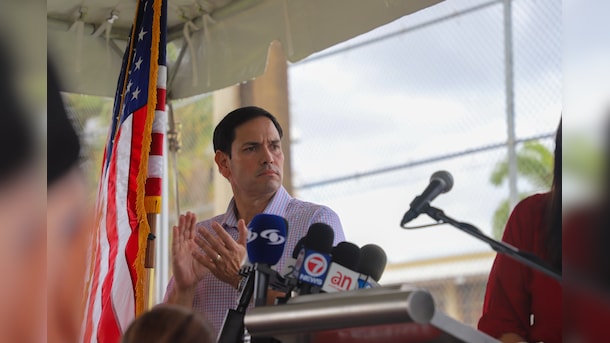
Navigating Friction And Energy Realities: An Analysis Of Marco Rubio's October Visit To India
Occurring at a critical juncture marked by stalled trade negotiations and escalating geopolitical pressures over global energy supplies, the visit offers a profound window into modern US-India relations.
-
India Exports Capital. Why Not Export Trusteeship?
The big question, then, is whether India can build an institution that global borrowers, investors, banks, and lawyers can trust, even without an Indian connection.
-
France's Economy & Politics Are In Crisis | The Reason Why
Let's look at how the French economy and politics evolved under Nicolas Sarkozy, Franois Hollande and Emmanuel Macron.
-
You May Inherit The Business. You Must Earn Its Credibility.
Succession tests the founder's ability to share authority as much as it tests the next generation's readiness to assume it.
-
Signing Deals Is One Thing; Making Them Work Is Another | The Week In Whys
Sometimes, things don't turn out as planned. Indian companies have lost some bids to rivals, some projects won't produce until 2030.
-
FOMC Wall, PERM Suspension, Hospital Stocks | Talking Points This Week
A PERM suspension would directly affect green-card sponsorship rather than H-1B visas, so the near-term earnings impact could remain relatively limited. The key question is whether this marks a new phase in US scrutiny of Indian IT.