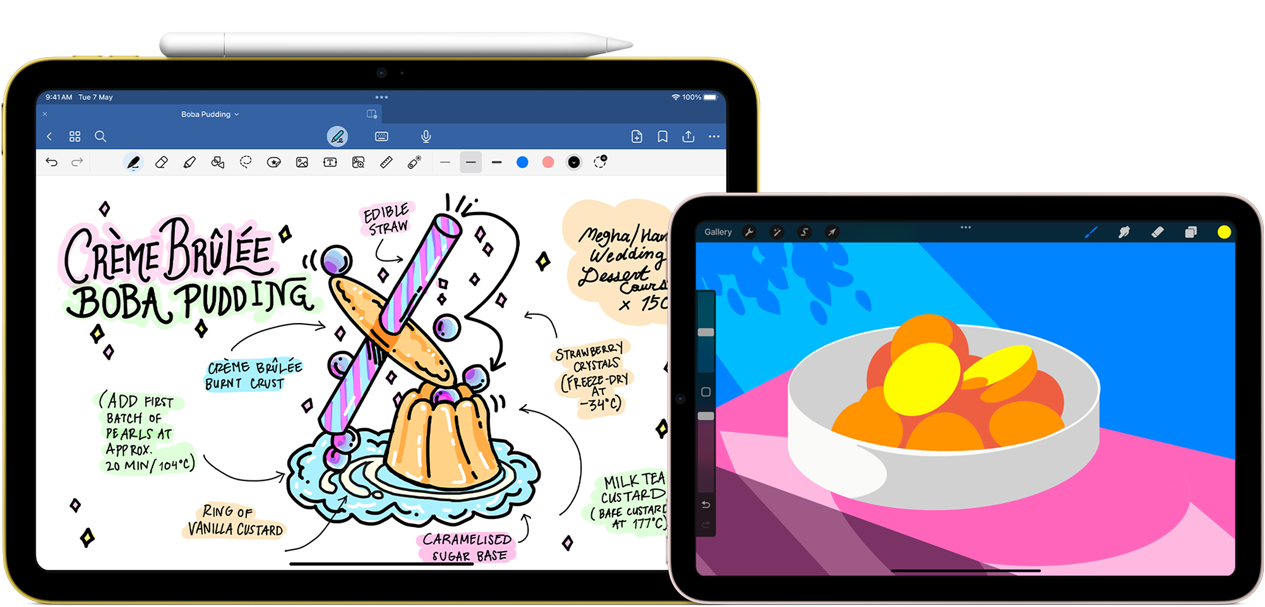
Apple has introduced the new iPad mini. Apart from being powered by the A17 Pro chip and supporting Apple Intelligence (upon release), the new iPad mini will offer Apple Pencil Pro support.
Pencil Pro was earlier compatible with some iPad Pro and iPad Air models, and many of the features—including Hover—could not be used on the iPad mini. Now, Pencil Pro will be stored through a magnetic interface on the new iPad mini, and its support opens up new possibilities for those who love immersing themselves in creative endeavours on their device.
Now, as many other styluses go, Pencil Pro allows you to—well—write, sketch or draw. But its advanced features make everything, from taking down notes or writing a short article, sketching or drawing, that much more interesting. The device feels quite natural and the experience close to an actual pencil on paper, with a touch of advance tech though.
Also Read | Layoffs Are Rising In Tech, But These Skills Are Helping People Unlock Better Pay
Tilting the stylus opens up different options such as shading and other effects. With its pressure-sensitivity, a light-pressure touch will produce thin lines, while if you wish to draw thicker lines, just apply more pressure.
If you wish to quickly switch between tools—let's say from a pen to an eraser—just double tap on the Pencil. It also has a gyroscope that gives you options using the Barrel Roll: you can rotate the barrel to change orientation of shaped pen and brush tools.
The Pencil can sense a user's squeeze on its neck, bringing up a palette for switching tools, line weights and colours for those creative touches. It has a custom haptic engine, which gives you tactile feedback every time you squeeze, tap or more.
One of the standout features of the Apple Pencil Pro, undoubtedly, is Hover. While Hover is hard to imagine and better to experience first-hand, the feature allows you to visualise the exact orientation of a tool and preview your mark before you actually make it.
Via electromagnetic signals, the nib of the Pencil will send signals to your new iPad mini (or another compatible device) without you having to put pencil on screen. Of note, the nib of the Pencil needs to be 1–12mm away from the screen.
For example, before you use your brush, its size, shape and texture will be visible when you hover over the canvas. If you hover over thumbnails, you'll be able to preview animations, and when using ColorDrop, you can preview colours before selecting them. It's a good tool to have for artists, illustrators, designers and developers.
And, if you happen to misplace your Apple Pencil Pro at home or in office, you can walk around with the new iPad mini and try locating it using the Find My app.
Essential Business Intelligence, Sharp Market Insights, Practical Personal Finance Advice, Daily Fuel, Gold and Silver Prices and Latest Stories — On NDTV Profit.