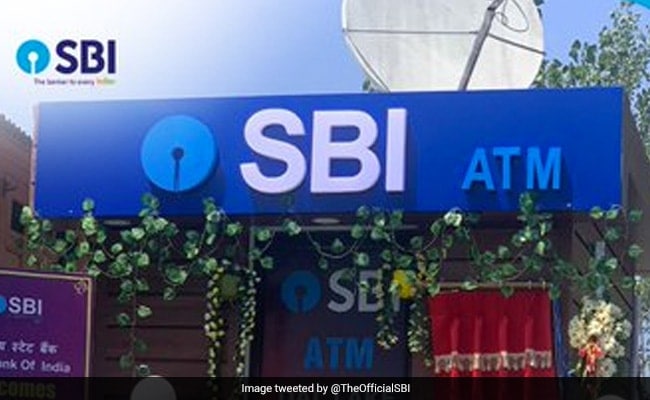
State Bank of India (SBI) debit card holders will now be able to convert their purchases into EMI or equated monthly instalment. The country's largest lender in release stated that it is offering "EMI facility using SBI debit card in order to purchase consumer durables from merchant stores by swiping their cards at PoS (Point of Sale)." Users can also avail this facility while buying online via e-commerce portals such as Amazon and Flipkart through SBI debit card, it added.
Customers can check their eligibility by sending DCEMI to 567676 from their registered mobile umber with the bank. They can avail the loan ranging from Rs 8,000 to Rs 1 lakh at an effective interest rate of 2-year MCLR (Marginal Cost of Funds based Lending Rate) + 7.50% which is currently at 14.70%.
MCLR is the minimum lending rate below which a bank is not permitted to lend.
The EMI facility comes with a flexible tenure options of 6/9/12/18 months.
Some of other benefits offered by the lender included zero processing fee, zero documentation, instant disbursal and no blocking of savings account balance.
Here's a step-by-step guide for SBI customers:
For debit card EMI
* Swipe card on POS machine at merchant store
* Select - Brand EMI - Bank EMI
* Enter - Amount - Repayment tenor
* Enter PIN (personal identification number) and press OK after the POS machine has checked the eligibility
* Loan amount is booked after the successful transaction
* Charge slip containing Terms & Conditions of Loan is printed and the customer has to sign on the same
For online EMI
* Login on Amazon or Flipkart from the mobile number registered with the bank
* Select the required brand article and proceed for payment
* Select the Easy EMI option from different payment options that appear and then select SBI
* The amount is auto fetched, enter the tenor and click on proceed
* SBI Login page appears, enter the internet banking or debit card credentials
* Loan is booked, T&C is displayed, if accepted, the order is booked
Meanwhile, SBI shares settled marginally lower (0.08%) on Monday.
Essential Business Intelligence, Continuous LIVE TV, Sharp Market Insights, Practical Personal Finance Advice and Latest Stories — On NDTV Profit.