

PAN-Aadhaar Linking: How To Check Status Online, Steps To Link And What Happens If You Miss Deadline
Here's your one-stop guide to link the PAN card with Aadhaar before the Dec. 31, 2025, deadline.



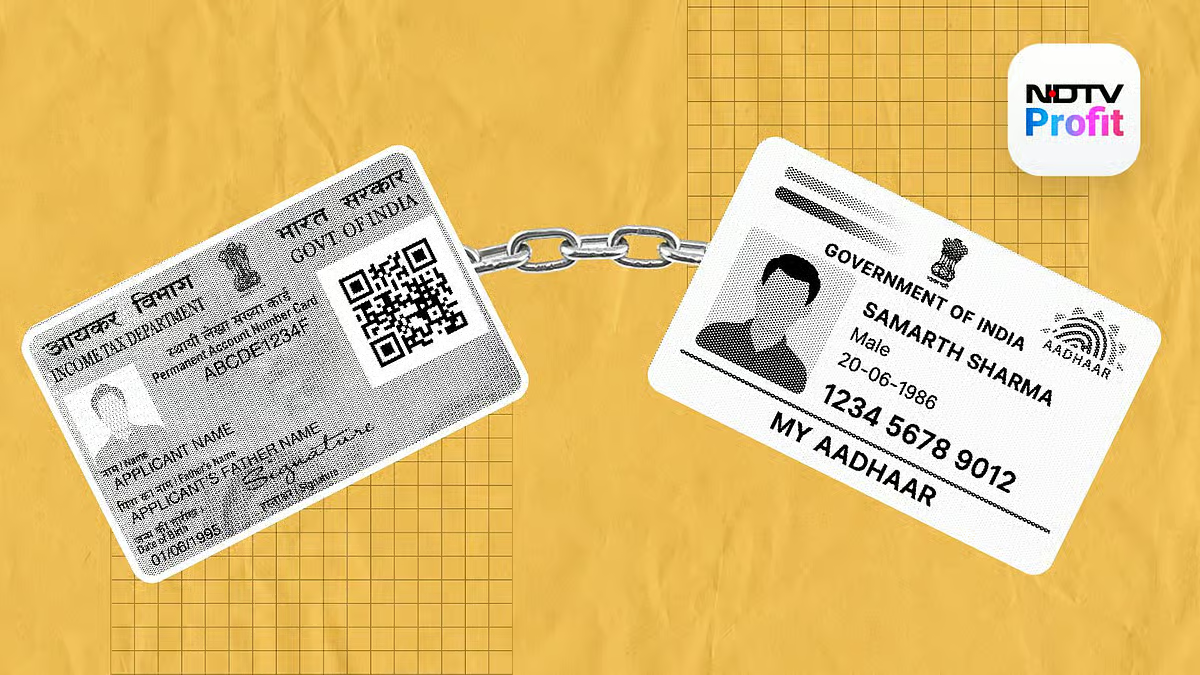
The deadline to link your Permanent Account Number (PAN) with Aadhaar is approaching fast. Those who have not yet linked their Aadhaar Card and the Permanent Account Number (PAN) are required to do so before Dec. 31, as per the government directive.
Failure to link PAN with Aadhaar will lead to a penalty of Rs 1,000 and an inoperative PAN from Jan. 1, 2026. An inoperative PAN will lead to several financial difficulties, including impacting filing of income tax return (ITR), income tax refunds and bank transactions, among others.
Under Section 139AA(2A) of the Income Tax Act, 1961, linking the two documents is mandatory for all individuals whose PAN was issued based on the Aadhaar Enrolment ID before Oct. 1, 2024.
"Every person who has been allotted permanent account number on the basis of Enrolment ID of Aadhaar application form filed prior to the 1st day of October, 2024, shall intimate his Aadhaar number to the Principal Director General of Income Tax (Systems) or Director General of Income Tax (Systems) or the person authorised by the said authorities on or before the 31st day of December, 2025, or such date as may be specified by the Central Board of Direct Taxes in this behalf," read a government notification issued in April.
How To Link PAN And Aadhaar Online
Here's a step-by-step guide to link your PAN with Aadhaar online:
Step 1: Visit the official Income Tax e-filing portal at www.incometax.gov.in/iec/foportal/
Step 2: In the 'Quick Links' section, select the 'Link Aadhaar option'.
Step 3: Provide your PAN and Aadhaar Card details.
Step 4: Click on the Link Aadhaar option and enter the six-digit OTP received on the registered mobile number.
Step 5: Submit the request for Aadhaar-Pan link.
The PAN-Aadhaar linking can also be completed via SMS. For this, you need to send your UIDPAN <12-digit Aadhaar> <10-digit PAN> to 567678 or 56161. An update regarding the same will be received on your registered mobile number.
Further, you can visit a PAN service centre with all the required documents and pay a fee of Rs 1,000 (if applicable) to get it linked with Aadhaar.
What Happens If You Don't Link Aadhaar And PAN?
The PAN card will become inoperative for those who fail to link it with Aadhaar before the Dec. 31 deadline.
The Income Tax Department website highlights several consequences for an inoperative PAN:
Such individuals will not get refund of any amount of tax or part thereof due under provisions of the I-T Act.
Interest shall not be payable on such refund for the period starting with the date specified under sub-rule (4) of rule 114AAA and ending on the date on which it becomes operative.
Tax deductible under Chapter XVJJ-B will be at a higher rate, in accordance with the provisions of section 206AA.
Tax collected at source under Chapter XVJJ-BB shall be done at a higher rate, in accordance with the provisions of section 206CC.
How To Check PAN-Aadhaar Link Status Online?
To check whether your PAN is already linked with Aadhaar or not, you can visit the Income Tax e-Filing Portal and select the 'Link Aadhaar Status' option.
Post that, you will be required to provide your PAN and Aadhaar number. After submitting it, you may see any of these messages:
Aadhaar already linked with PAN
Aadhaar-PAN linking request is pending
Aadhaar not linked with PAN
As only a few days are left to complete the PAN-Aadhaar linking, it is advisable to verify the status online and take necessary steps to avoid the risk of PAN becoming inoperative.