

Google May Soon Allow Users To Change Old Gmail Usernames: Here's What You Should Know
Under Google's new feature, users can only choose a new Gmail address once every 12 months.



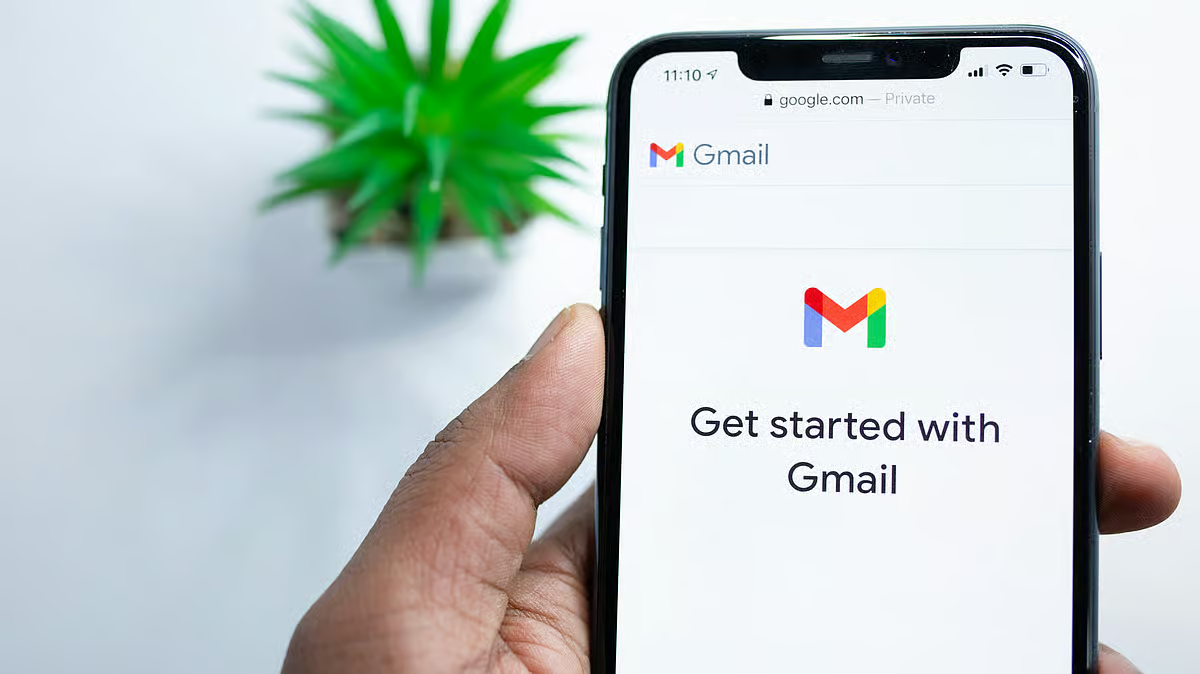
Google users will finally be able to change their existing Gmail addresses without losing any data or services. The technology giant is gradually rolling out this option for all users. The update will benefit many users who have been using email IDs that no longer reflect their professional identity.
Gmail addresses are used to sign in to several Google products and services. The new feature, expected to be rolled out in January 2026, will help users update their email IDs easily across platforms, without creating a new account.
The old Gmail addresses will remain active once changed. Users will be able to get messages on both the old and new email IDs. According to an Android Authority report, Google recently updated its Hindi-language support page to explain the changes. Users can only choose a new Gmail address once every 12 months. The email address can be changed only three times in total.
"You can still send and receive emails with your new Google Account email since it will appear as an alias, but your old Google Account will appear when you do things like share Drive files, send Calendar invites, or use Sign in with Google," the company said on its Support Page.
Here is everything you need to know about Google’s Gmail address change.
Is The Change Applicable For All Users?
As of now, the update is being rolled out gradually, so many users can't access the email ID change feature. There is no timeline for when the changes will be available globally.
How To Change Gmail Address?
Sign in to your Google account if you are not already logged in.
Select the Personal Information option at the top left corner.
Choose 'Google Account email address' and under “Google Account Email,” click on the change option.
If the change option is not visible, it means that the feature is not available for your account as of now. If it is visible, follow the instructions on the page to change your Gmail address.
Will Users Face Any Problems After Changing Their Gmail Address?
Users could face temporary issues after the change. Google stated, “You can change the email address on your Google Account that ends with @gmail.com. You can replace it with a new email address that ends with @gmail.com. However, doing so may cause some issues using Google services and features. Before changing your Google Account email address.”
Google users are expected to face issues like the Chromebook home directory showing as empty, signing in problems, removal of payment information from the account and issues in Chrome Remote Desktop. Some of these problems are temporary and will be resolved in a few hours. Others may require some action. Users must check Google’s troubleshooting page to understand what problems they could face and how to solve them after changing their email address.