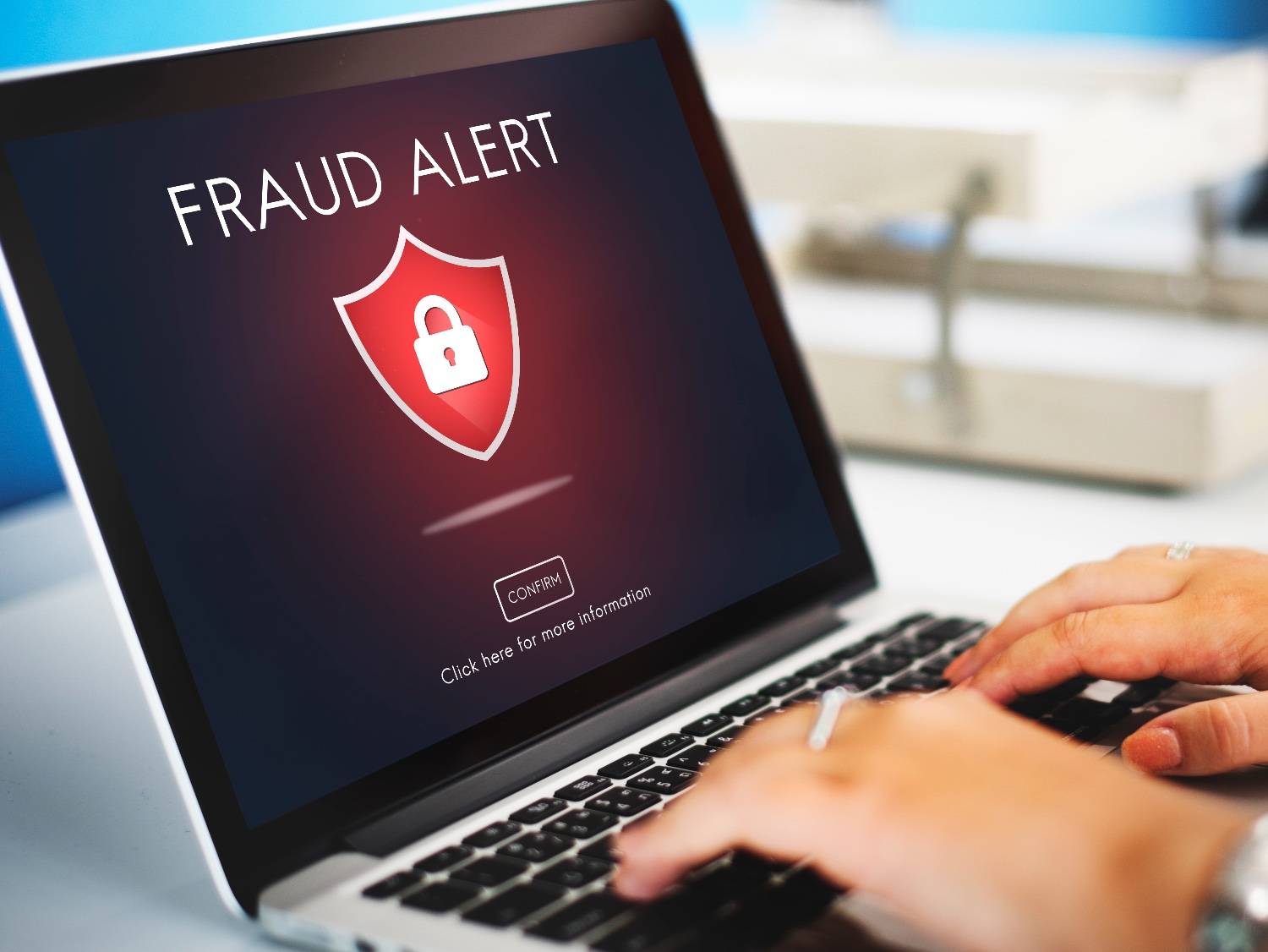
In an unprecedented and presumably the largest data breach in history, 16 billion login credentials, including passwords, have allegedly been exposed online. Experts indicate that this breach could potentially provide cybercriminals with entry to nearly every online platform imaginable, such as Apple, Facebook, Google, GitHub, and Telegram.
The password leak is incredibly dangerous to users, with possibilities of identity theft, phishing scams, account takeovers, ransomware attacks, and more. So what should you do?
Our first reaction is to change the password. But that means nothing if you haven't secured your device first.
Here's a step-by-step guide on what you should do.
First, Run An Antivirus Scan
If there's an infostealer on your device, then changing your password is useless, because your new credentials can be compromised as well. So if you suspect that an infostealer is there, running a scan with a reliable antivirus software should be your first step.
Now, Change You Password
With your device safe, now you can change passwords of the sites you visit. Create a distinctive, robust password for different accounts such as Apple, Facebook, Google, and others, and change them regularly.
Don't Be Password-Lazy; Use Unique Credentials, Password Manager
As much as your birth dates and years, patterns like “123456”, and name-year combinations are easy to remember, don't be password-lazy and stop using these. Cybercriminals can break into accounts using these passwords in a matter of seconds. So choose unique login credentials and use a password manager to keep them safe and organised.
Use Two-Factor Authentication
If you're breached, even strong passwords can't save you. Implement two-factor authentication and utilise apps such as Microsoft Authenticator or Google Authenticator to enhance security. Cybercriminals cannot gain access to your account without your 2FA code even if your password is breached.
Switch To Passkeys
Passkeys are safer than passwords and inherently built to resist phishing. With platforms like Facebook, Google, and Apple now adopting passkeys, you should switch to passkeys to keep these platforms safer.
Essential Business Intelligence, Continuous LIVE TV, Sharp Market Insights, Practical Personal Finance Advice and Latest Stories — On NDTV Profit.